
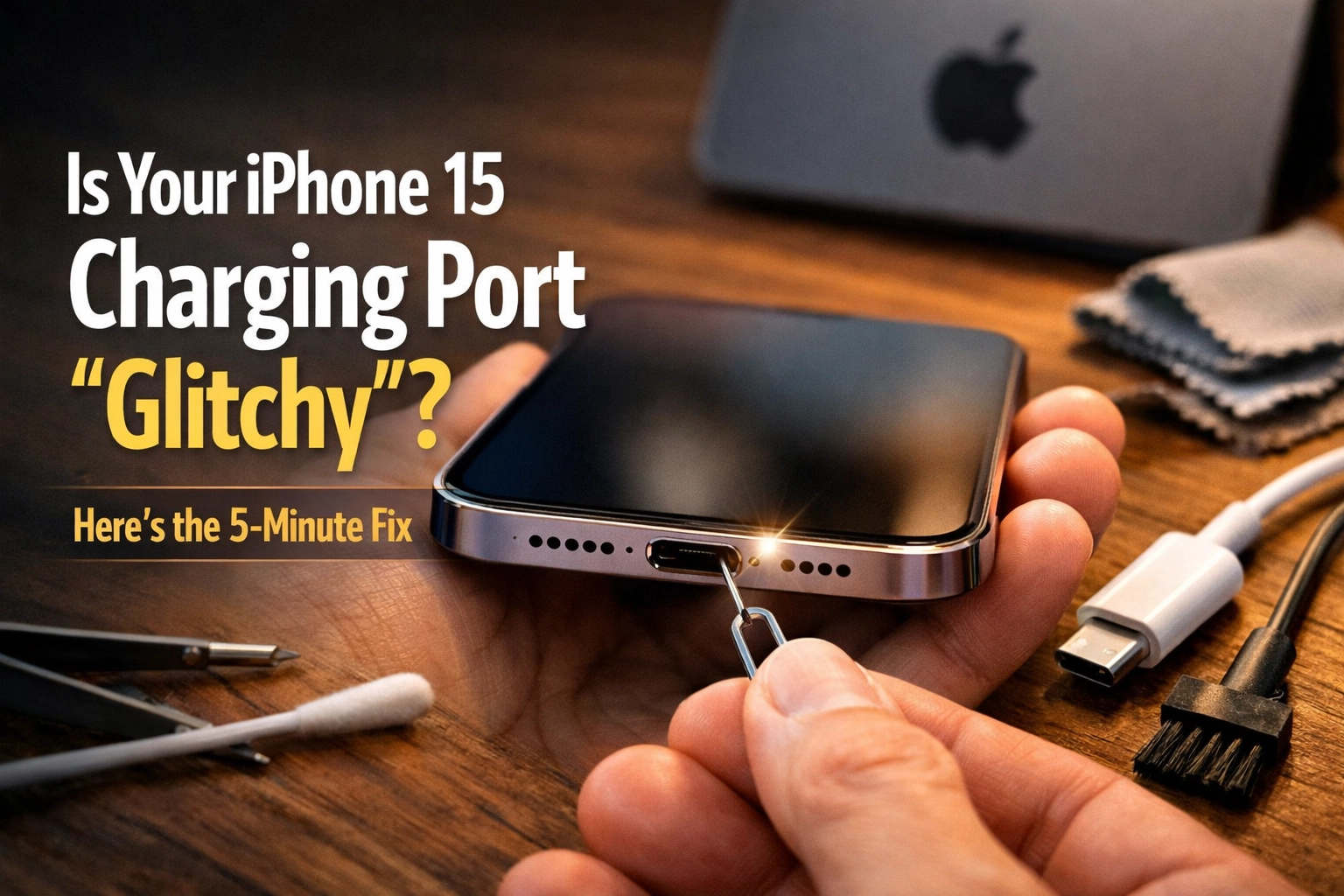
So, you finally made the jump. You traded in the old reliable for the shiny new iPhone 15. You were excited about that fancy new USB-C port: the same one your laptop uses! One cable to rule them all, right? But then, a few months in, the “glitch” starts. You plug it in at night, hear that reassuring ding, and go to sleep. You wake up, and your phone is sitting at a depressing 4%. Or maybe you’re sitting on the couch and realize that if you move the phone even half an inch to the left, the charging stops.
It’s frustrating. It’s annoying. And if you’re living out here in Raymond or Stirling, your first thought is probably, “Great, now I have to trek all the way into Lethbridge and deal with the crowds at the mall just to get someone to look at this.”
Hold your horses. Before you fuel up the truck and brace yourself for the Highway 4 wind, let’s take five minutes to look at this together. As the guy behind SECOND WIND SALES AND SERVICES, I’ve seen this a thousand times. Most of the time, your phone isn’t broken: it’s just lived a little too much life in your pocket.
The USB-C Growing Pains
Apple’s switch to USB-C was a big deal. For years, we lived with Lightning ports, which were basically “innies.” The USB-C port is a bit more complex. It’s got a little tongue in the middle with tiny pins on both sides. While it’s technically a better, faster connection, it’s also a bit of a magnet for the “Southern Alberta Special”: dust, lint, and mystery grit.
When your iPhone 15 starts acting glitchy: meaning the cable feels loose, it connects and disconnects, or it won’t fast-charge: it usually isn’t a hardware failure. It’s usually just a physical barrier between the cable and those tiny pins.
Pro-tip: If your cable doesn’t “click” into place like it used to, or if there’s a visible gap between the plastic of the cable and the bottom of your phone, you almost certainly have a debris issue.
The 5-Minute Fix: The “Easy Way”
Before we assume the port is fried, let’s try the simplest solution. We’re going to perform a little “spring cleaning” on that port. Even if it isn’t spring, your pocket doesn’t know the difference.
1. The Visual Inspection (Flashlight is Key)
Grab a bright flashlight (or use another phone’s light). Peer into the bottom of your iPhone 15. You’re looking for anything that isn’t smooth metal. Because the USB-C port has that center pin, lint likes to get crushed into the very back corners or wrapped around the center post. It gets compacted every time you plug your charger in, eventually forming a “felt” pad that prevents the cable from seating properly.
2. The Gentle Extraction
Warning: Be gentle. I’m not a miracle worker, and if you snap the center pin, we’re moving from a 5-minute fix to a phone repair situation.
- The Tool: Use a thin, non-conductive item. A wooden or plastic toothpick is best. Avoid metal needles or paperclips if you can, as you don’t want to short anything out or scratch the contacts.
- The Technique: Carefully sweep around the center post. You’ll be shocked at how much compressed pocket lint comes out. It’s like a tiny magician pulling a never-ending scarf out of a hat.

3. Compressed Air
If you have a can of compressed air, give it a few short bursts. Don’t shove the nozzle right against the port; give it some breathing room. This helps clear out the loose stuff you just stirred up with the toothpick.
Is it the Cable or the Port?
If the port looks clean but the charging is still intermittent, we need to play detective. In the world of tech repair, we always start with the cheapest component first. In this case, that’s your cable.
USB-C cables are great, but they aren’t immortal. The wires inside the neck of the cable (where the cord meets the plug) take a lot of abuse. Think of it like a garden hose that’s been kinked one too many times: eventually, the water (or in this case, the electricity) just can’t get through.
- The Swap Test: Grab the cable you use for your iPad, your spouse’s phone, or even your Nintendo Switch. If the iPhone 15 charges perfectly with a different cable, you’ve found your culprit. Throw the old cable away. Don’t keep it “just in case.” A glitchy cable can actually heat up and damage your port over time.
The “Hard Way”: Software and Hard Resets
Sometimes, the “glitch” isn’t physical at all. Modern iPhones are basically high-powered computers that happen to make phone calls. Just like your PC at home, sometimes the software that manages power delivery gets confused. It’s like the phone is “overthinking” the charging process.
If your port is clean and your cable is good, try a Force Restart. This doesn’t delete your data; it just forces the hardware to power cycle.
- Quickly press and release the Volume Up button.
- Quickly press and release the Volume Down button.
- Press and hold the Side Button (the power button) and keep holding it until you see the Apple logo appear on the screen.
Let go and let it reboot. You’d be surprised how often this clears up “ghost” charging issues where the phone thinks it’s charging but the percentage won’t go up.

When to Call in the Pros (and Save the Drive)
If you’ve cleaned the port, tried three different cables, and did the “Volume Up, Volume Down” dance, and you’re still seeing that annoying “Liquid Detected” alert or just getting no juice at all, it might be time for a professional look.
Here is the deal: Most people think that an iPhone 15 issue means a mandatory trip to the big city. But at SECOND WIND SALES AND SERVICES, we’re right here in your backyard. Whether you’re coming from the sugar beet fields or just down the street in Raymond, we can diagnose if that port is actually damaged.
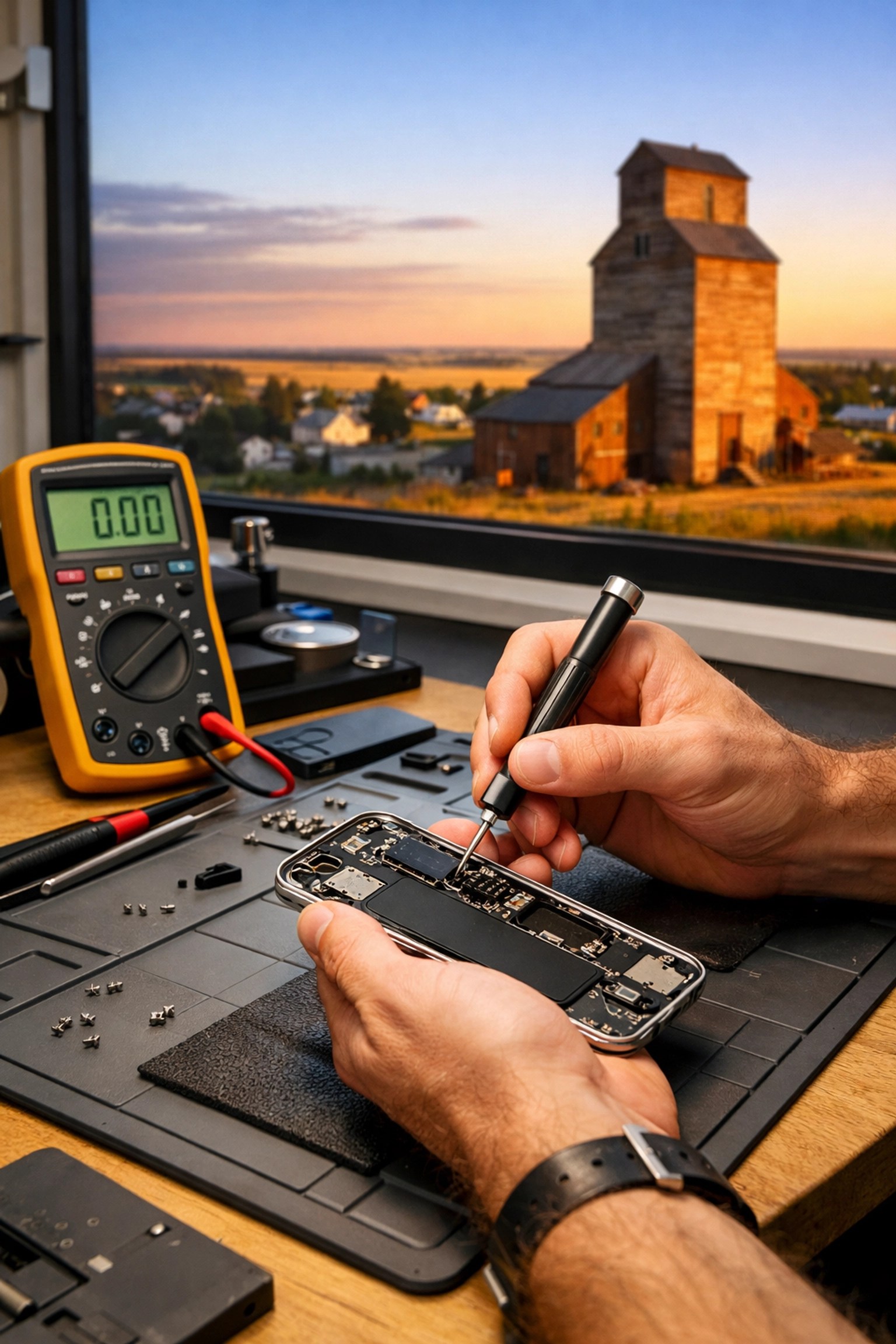
Sometimes the pins inside the port get bent, or the solder joints on the motherboard get hair-line fractures from a drop. That’s where a local phone repair shop like ours saves you time and gas money.
We don’t just do charging ports, either. If you dropped your phone while trying to get that perfect sunset photo over the Ridge Reservoir and now your screen looks like a spiderweb, we handle iphone screen replacement right here. No need to leave your phone at a mall kiosk for three days or ship it off to a warehouse.
Why We Love Local Tech Support
There’s a certain nostalgia I have for the days when you knew the person who fixed your tractor or your TV. Tech has become so “disposable” lately, but we don’t believe in that. We treat every device: whether it’s a brand-new iPhone 15 or a vintage camera: with the respect it deserves.
Fixing a charging port is about more than just power; it’s about keeping you connected to your family, your work, and your life without the stress of a $1,200 replacement bill.
Final Checklist for the Glitchy Port
Before you give up hope, run through this one last time:
- Is the port clean? (Check for that “click” when you plug it in).
- Is the cable certified? (Cheap gas-station cables are notorious for failing on iPhone 15s).
- Is the case in the way? Some rugged cases have a flap that prevents the USB-C plug from going all the way in. Try charging it with the case off.
- Is it a software bug? Did you do the Force Restart?
If you’ve checked all those boxes and you’re still stuck, come see us. We’re much closer than Lethbridge, and we actually enjoy talking shop. You can check out our blog for more tips on keeping your gear running, or just drop by.
Don’t let a tiny piece of pocket lint ruin your day. Technology is supposed to work for you, not the other way around. If your iPhone 15 is giving you grief, let’s get it back to 100% together.
Stay powered up, Raymond!
Need a hand? Whether it’s a glitchy port, a shattered screen, or a slow computer, SECOND WIND SALES AND SERVICES is here to help. Check out our full list of services at secondwindsales.ca and let’s get your tech back in tip-top shape.
Leave a Reply