
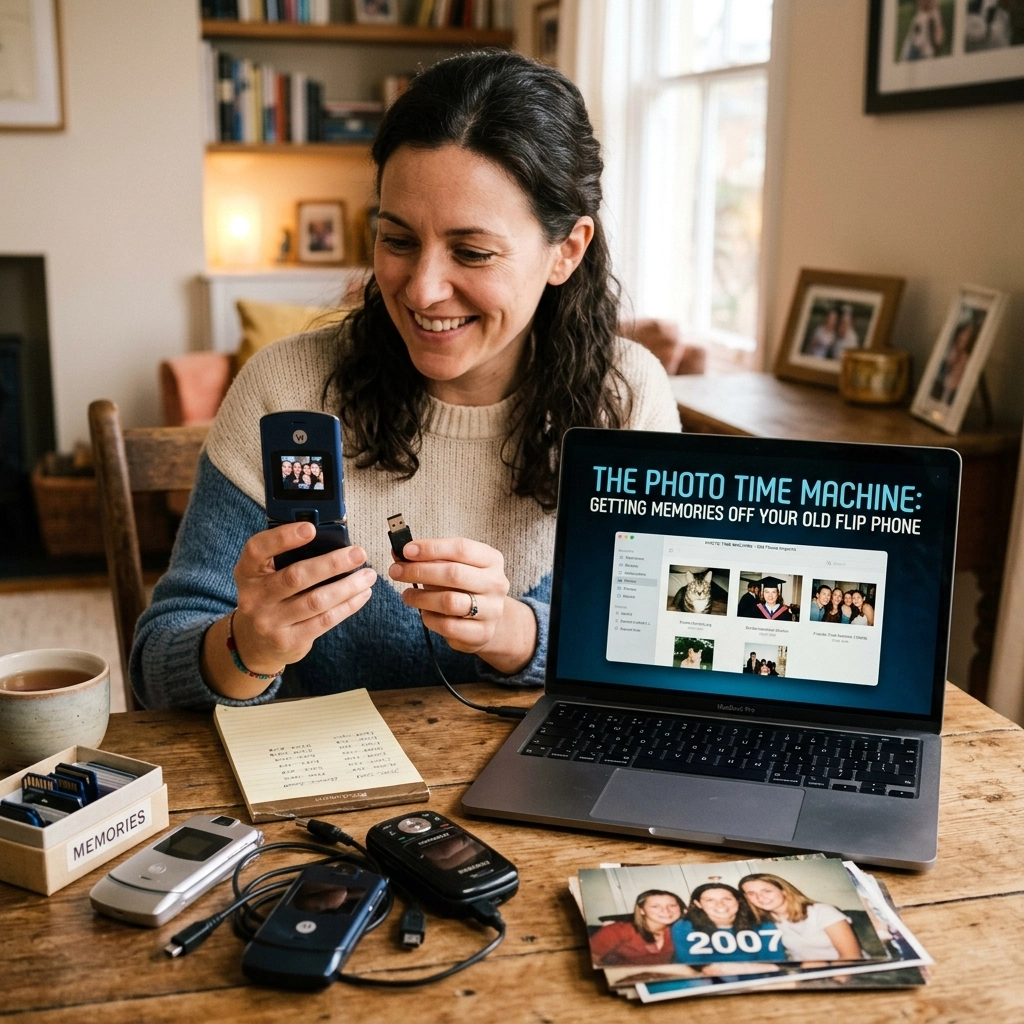
We’ve all got that one drawer. You know the one. It’s usually in the kitchen or the hallway, and it’s filled with half-used batteries, mystery keys that don’t fit any lock you own, and a tangled nest of cables that haven’t seen the light of day since 2008. But buried at the bottom, under a stack of old take-out menus, is something special: your old flip phone.
Maybe it’s a classic Motorola Razr, a chunky Nokia, or one of those sliding Samsung phones that made you feel like you were living in the future. It’s covered in scratches, the battery is likely swollen like a Southern Alberta tick after a long summer, and you probably haven’t turned it on in a decade. But inside that plastic shell isn’t just old hardware, it’s a time machine.
There are photos in there of your first car, videos of a concert you barely remember, and text messages from people who might not be in your life anymore. At Second Wind Sales and Services, we don’t just see these as “obsolete electronics.” We see them as digital inheritance. And getting that data back? That’s where the magic happens.
The Emotional Value of the 1.3 Megapixel Shot
Let’s be real: the photos on these old phones aren’t “good” by modern standards. They’re grainy, the lighting is usually terrible, and everyone looks like they were photographed through a screen door. But there’s a soul in those images that a 48-megapixel iPhone shot just can’t replicate.
It’s the nostalgia. It’s the “remember when” factor. We’ve had folks come into the shop with a phone that’s been through the literal ringer, dropped in a puddle, sat on, or just left to gather dust in a garage, hoping we can find a single photo of a grandparent or a childhood pet. When we manage to pull that image off the device, it’s not just a successful repair; it’s like we’ve handed them a piece of their past back.
Why Is It So Hard to Get Photos Off Old Phones?
You’d think you could just plug the thing into a laptop and drag-and-drop, right? If only life were that simple. Old phones are notoriously stubborn for a few reasons:
- Proprietary Ports: Before USB-C became the king of cables, every manufacturer had their own weird, proprietary plug. Finding the specific data cable for a 2005 Sanyo is like hunting for a needle in a haystack, if the haystack was also on fire.
- “Charging Only” Cables: Back in the day, a lot of the cables that came with these phones only carried power, not data. You might find a cable that fits, but your computer won’t even acknowledge the phone exists.
- Dead Batteries: Lithium-ion batteries don’t like to sit empty for ten years. Most of the time, the battery has chemically “failed,” meaning the phone won’t even boot up to let you access the menu, even when it’s plugged in.
- No Cloud Storage: There was no iCloud or Google Photos back then. If the photo wasn’t saved to a tiny, archaic SD card, it’s trapped in the internal memory of the handset itself.
The Second Wind “Micro-Surgery” Approach
When a customer brings us a “dead” flip phone, we treat it like a delicate operation. This is where our data recovery services really shine. We don’t just try to turn it on; we perform what I like to call “micro-surgery.”
Sometimes, the screen is shattered, but the “brains” of the phone are still working. Other times, the charging port is corroded beyond repair, thanks to our lovely Alberta humidity and dust, and we have to bypass it entirely to get power to the board.
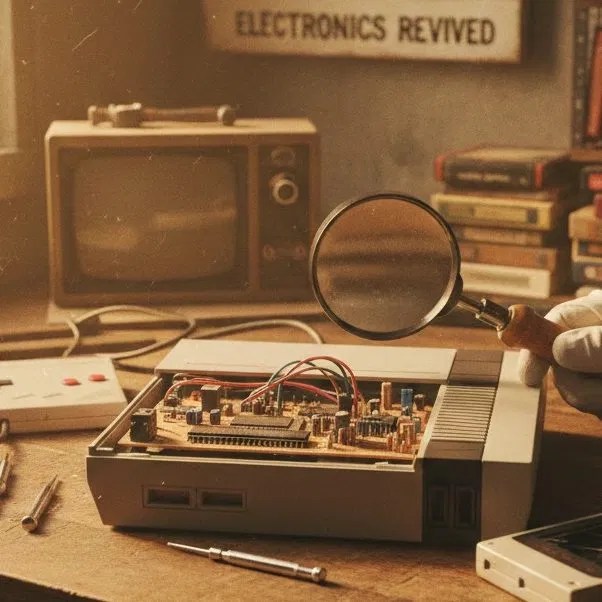
We use high-end tools, including our shop’s electronics microscope, to look at the tiny components that make these phones tick. If there’s a broken trace or a blown capacitor, we get in there and fix it just long enough to extract the data.

Pro-tip: If you find an old phone and the battery looks “puffy” or swollen, do NOT try to charge it. Bring it in to us. A swollen battery is a fire hazard, and trying to force power into it can permanently damage the internal memory chips we’re trying to save.
The Easy Way vs. The Hard Way
If you’re feeling brave and your old phone actually still turns on, you might be able to do some DIY data recovery. Here’s the breakdown:
The Easy Way (If the phone lives!)
- The Bluetooth Trick: Most mid-to-late 2000s phones had Bluetooth. It’s slow, painfully slow, but it works. You can pair the old flip phone to a modern smartphone or a laptop and “Send” the files one by one. It’s tedious, but it’s the most reliable way to jump the “old tech to new tech” gap without specialized cables.
- The SD Card Shuffle: Check under the battery or on the side of the phone for a MicroSD card slot. If your photos were saved there, you can just pop that card into a modern reader. Just be prepared to see some very small storage sizes (remember when 128MB was a lot?).
The Hard Way (When the phone is “bricked”)
- Parts Swapping: If the phone won’t turn on, we might have to source a working identical model and swap your memory chips or motherboard into the working frame.
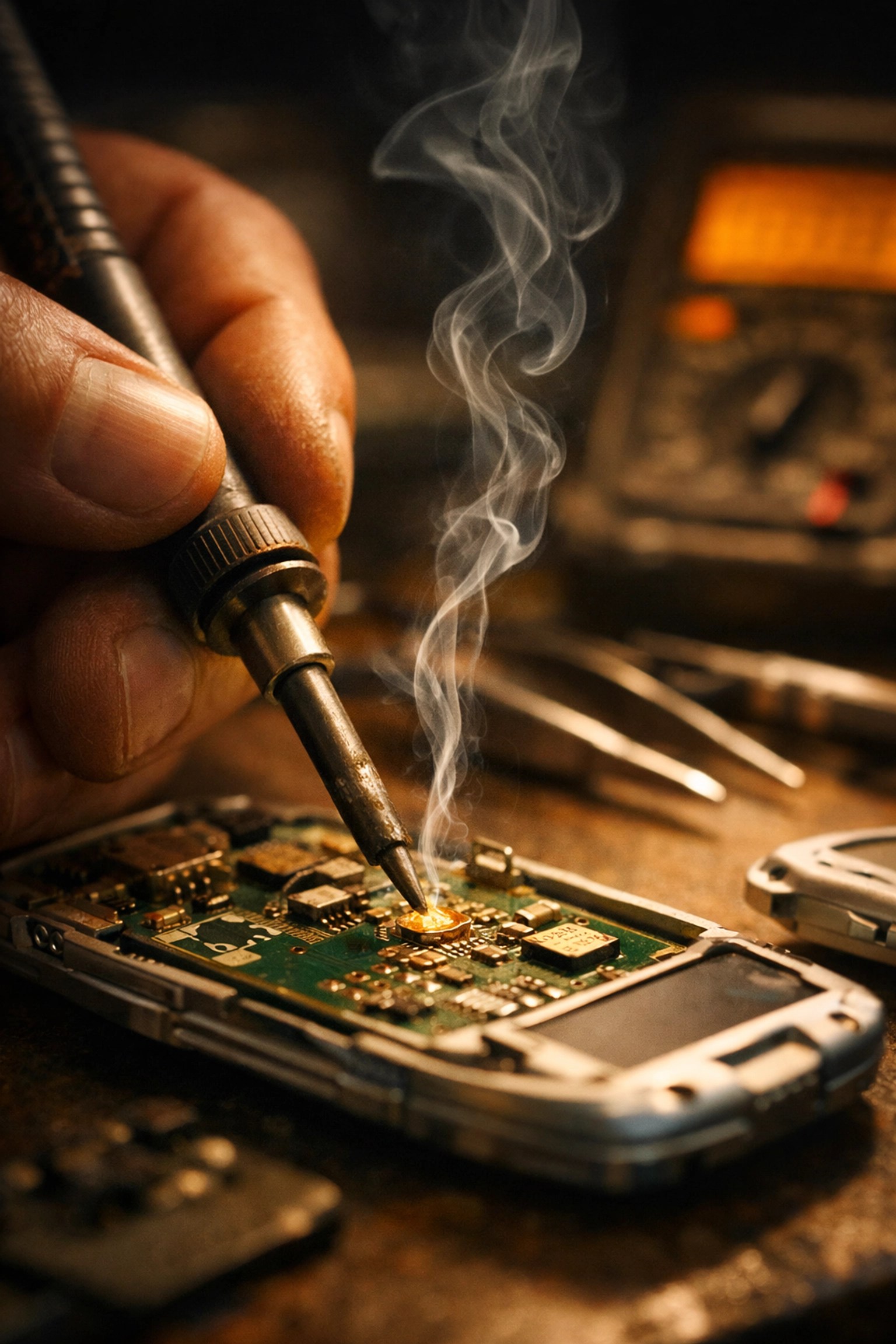
- Board-Level Repair: This is where we get into the nitty-griFlip Phone, Photo Transfer, Data Recovery, Tech Tips, Vintage Techtty. We might have to solder jumpers directly to the board to bypass a broken power button or a dead charging circuit.
More Than Just Repairs
At Second Wind, we’re geeks at heart. We love the history of these gadgets. Whether we’re helping you find a vintage Funko Pop to complete your collection or performing a “brain transplant” on an old Nokia, we treat every project with the same level of care.
We know that for many of you in our community, these devices represent more than just plastic and silicon. They are markers of time. Just like the classic tees we wear or the stickers we put on our laptops, our tech tells a story about who we are.
Don’t Let Your Memories Gather Dust
The longer an old phone sits in a drawer, the harder it becomes to recover the data. Components degrade, batteries leak, and internal memory can eventually “rot” if left without power for decades. If you’ve been sitting on a stash of old phones because you “meant to get those photos off someday,” let this be your sign.
Bringing your old devices to Second Wind Sales and Services is the first step in preserving those memories. We’ll give you an honest assessment of what can be saved and what can’t. We aren’t miracle workers, sometimes the memory chips themselves are fried, but we have the tools and the patience to try the things that most big-box stores won’t even look at.
Let’s Take a Trip Down Memory Lane
Getting your old photos back is a blast. There’s nothing quite like seeing a photo of yourself with a questionable haircut from 2006 or a video of a family dinner that you’d completely forgotten about. It’s a way to reconnect with your younger self.
So, go find that junk drawer. Dig out that old flip phone. Even if it looks like it’s been through a Chinook windstorm and back, there’s a chance we can get those memories out.
Stop by the shop, say hi to Cody, and let’s see if we can get your personal “Photo Time Machine” working again. Whether it’s a simple battery swap or full-blown data recovery services, we’re here to help you catch your second wind.
Check out our online shop for more cool finds, or just drop by with your “tech graveyard” and let’s see what we can resurrect. Your past self will thank you!
Leave a Reply