
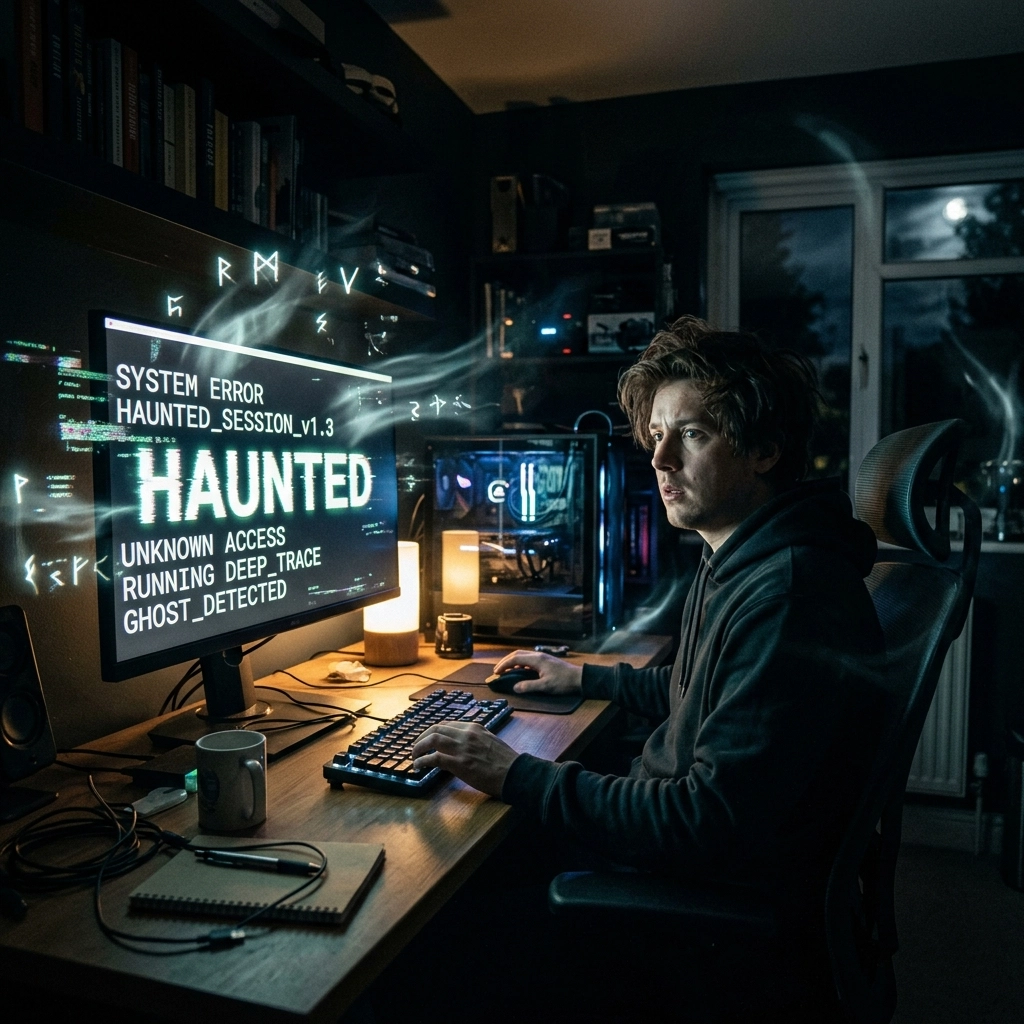
It’s 11:30 PM in Lethbridge. The wind is doing that thing where it tries to peel the siding off your house, and you’re hunkered down in your office trying to finish a project. Suddenly, the cursor on your screen starts drifting to the left. You aren’t touching the mouse. Then, a window opens. Then another. A series of nonsensical characters begins typing itself into your search bar: zzzzzzzzzz…
[ANIMATION PLACEHOLDER: Cody’s ‘Ghost in the Machine’ haunting illustration]
You look around the room. The cat is asleep. There’s nobody else there. You start wondering if you need to call a priest or if maybe that “haunted” antique mirror you bought at the flea market finally decided to act up.
Before you start dousing your motherboard in holy water, let me stop you right there. As the owner of Second Wind Sales and Services, I’ve seen plenty of “haunted” machines. While I’m a fan of a good ghost story, 99.9% of the time, the ghost in your machine isn’t a restless spirit, it’s a hardware or software glitch that just needs a little technical exorcism.
In the world of computer repair services, we deal with these phantoms every day. Whether it’s a slow computer fix that feels like wading through ectoplasm or a drive that’s “passed on” and needs data recovery services, we’ve seen it all. Let’s pull back the curtain on why your tech is acting possessed.
The Mouse That Moved Itself: Phantom Inputs
One of the most common “hauntings” people report is the wandering cursor. You’re sitting there, hands behind your head, and the mouse pointer is taking a leisurely stroll across your desktop.
Most people immediately think “Hacker!” or “Ghost!” In reality, it’s usually something far more mundane:
- A Speck of Dust: A tiny hair or piece of Lethbridge grit stuck in the optical sensor of your mouse can cause the light to bounce weirdly, making the cursor “drift.”
- Surface Tension: If you’re using your mouse on a highly reflective surface, the sensor gets confused.
- Bluetooth Interference: Sometimes your computer is picking up a signal from a wireless mouse in the other room, or a neighbor’s device is causing a localized “poltergeist” effect.
Pro-tip: If your laptop mouse is jumping around while you type, it’s almost always your palm brushing the trackpad. Check your settings to “disable trackpad while typing”, it’ll save you a lot of spooky frustration.
The “Click of Death” and Other Eerie Noises
If your computer starts making a rhythmic click… click… click… sound, it’s not a ghost knocking on your door. That is the sound of a mechanical hard drive’s read/write arm failing. In the industry, we literally call this the “Click of Death.”
It sounds ominous because it is. It means your drive is trying to find its place and failing, over and over. This is the moment where you stop everything. If you keep running a clicking drive, you’re turning a simple repair into a desperate need for data recovery services.
When a drive “dies,” the data isn’t necessarily gone, but it has entered the “spirit realm.” We have the tools to bring those files back to the land of the living, but it’s always easier if you catch the haunting early.
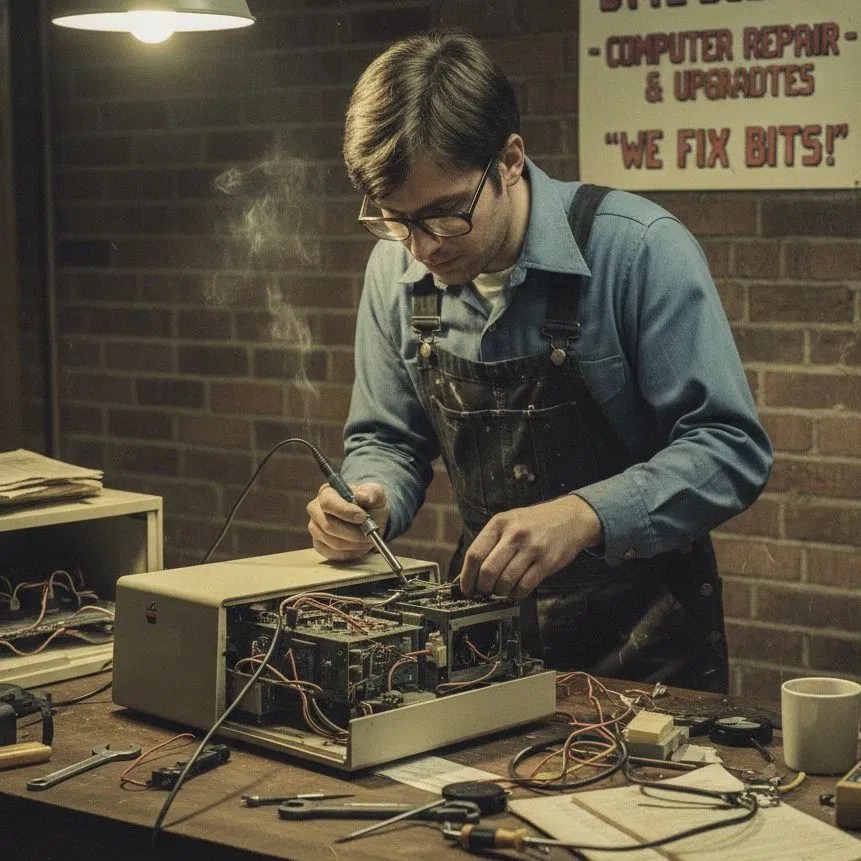
The Microscopic Monsters: Literal Bugs
Sometimes, the “ghost” is a literal bug. I’ve opened up consoles and PCs only to find that a small spider or a family of ants decided that the warm, humming power supply was the perfect place for a condo.
But more often, the culprit is even smaller. We’re talking about microscopic corrosion.

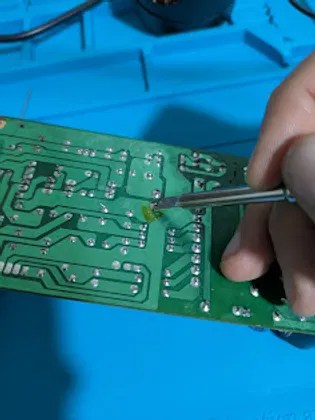
Take a look at that image above. That’s a shot from our electronics microscope here at the shop. To the naked eye, that circuit board looks fine. But under the lens, you can see tiny bits of residue or corrosion. This happens from humidity, a tiny splash of coffee from three years ago, or even just the minerals in our local dust.
When that corrosion bridges two tiny metal points, it creates a “bridge” for electricity to go where it shouldn’t. That’s when the “haunting” starts, random restarts, blue screens of death, or USB ports that only work when they feel like it. It’s not magic; it’s just a microscopic short circuit.
Exorcising the “Slow Computer”
Is your PC moving so slowly it feels like it’s being held back by invisible chains? A slow computer fix is one of our most requested “exorcisms.”
Usually, the “ghosts” slowing you down are:
- The Zombies: Programs that you “closed” months ago but are still running in the background, eating your RAM like brains.
- The Bloatware: Apps that came pre-installed on your machine that serve no purpose other than to haunt your startup sequence.
- Thermal Throttling: If your computer is full of dust, it gets too hot. To prevent itself from melting (spontaneous combustion is a very real tech demon), it slows itself down significantly.
Cleaning out the “dust bunnies” is often all it takes to give your machine its “Second Wind.” You can check out our repair tutorials for some DIY cleaning tips, or bring it in for a professional deep-clean.
The Soul of the Machine: Data Recovery
When a computer finally gives up the ghost, most people’s first thought isn’t the hardware, it’s the memories. The photos of the kids, the tax documents, the 40-page novel you’ve been writing.
We treat data recovery services with a bit of reverence. We know that for you, that hard drive isn’t just a piece of spinning platters and magnets; it’s a digital soul. Whether the “ghost” in your machine was a virus, a physical drop, or just old age, we use specialized software and hardware to “summon” those files back.
The Easy Way: Back up your data to the cloud or an external drive today. The Hard Way: Paying us to perform a digital seance on your dead drive. I love the business, but I’d much rather you stay backed up!
Our “Repair First” Philosophy
At Second Wind Sales and Services, we believe in the “Repair First” philosophy. In a world that tells you to throw away your “haunted” laptop and buy a new one, we’re the ones standing there with a soldering iron saying, “Wait, there’s still life in this thing!”
Fixing a “possessed” computer is more than just a job for us; it’s part of our commitment to sustainable living. Every laptop we save from the landfill is a win for the environment and a win for your wallet. Whether it’s a simple SSD upgrade to banish the “slow computer” demons or a complex motherboard repair, we want to help your tech live its best second life.
Don’t Fear the Reaper (or the Glitch)
If your computer is acting weird, don’t ignore it. Tech “ghosts” rarely go away on their own: they usually just get louder until the machine stops working entirely.
Whether you’re dealing with:
- Strange noises that go bump in the night.
- A cursor with a mind of its own.
- A “Slow Computer” that needs a serious boost.
- The terrifying “Blue Screen” that looks like a digital tombstone.
We’re here to help. You don’t need a paranormal investigator; you just need a tech who knows their way around a circuit board and a microscope.
Stop by Second Wind Sales and Services here in Lethbridge. We’ll take a look under the hood, find the “ghost” (whether it’s a corrupt file or a literal spider), and get your machine running smoothly again. We’re all about simple, honest computer repair services that keep your gear out of the graveyard and on your desk where it belongs.
Check out our latest shop updates to see what we’re working on this week, or dive into some tech reviews to see if it really is time for an upgrade.
Remember: your computer isn’t haunted; it’s just waiting for its Second Wind. 🌬️💻
Leave a Reply