
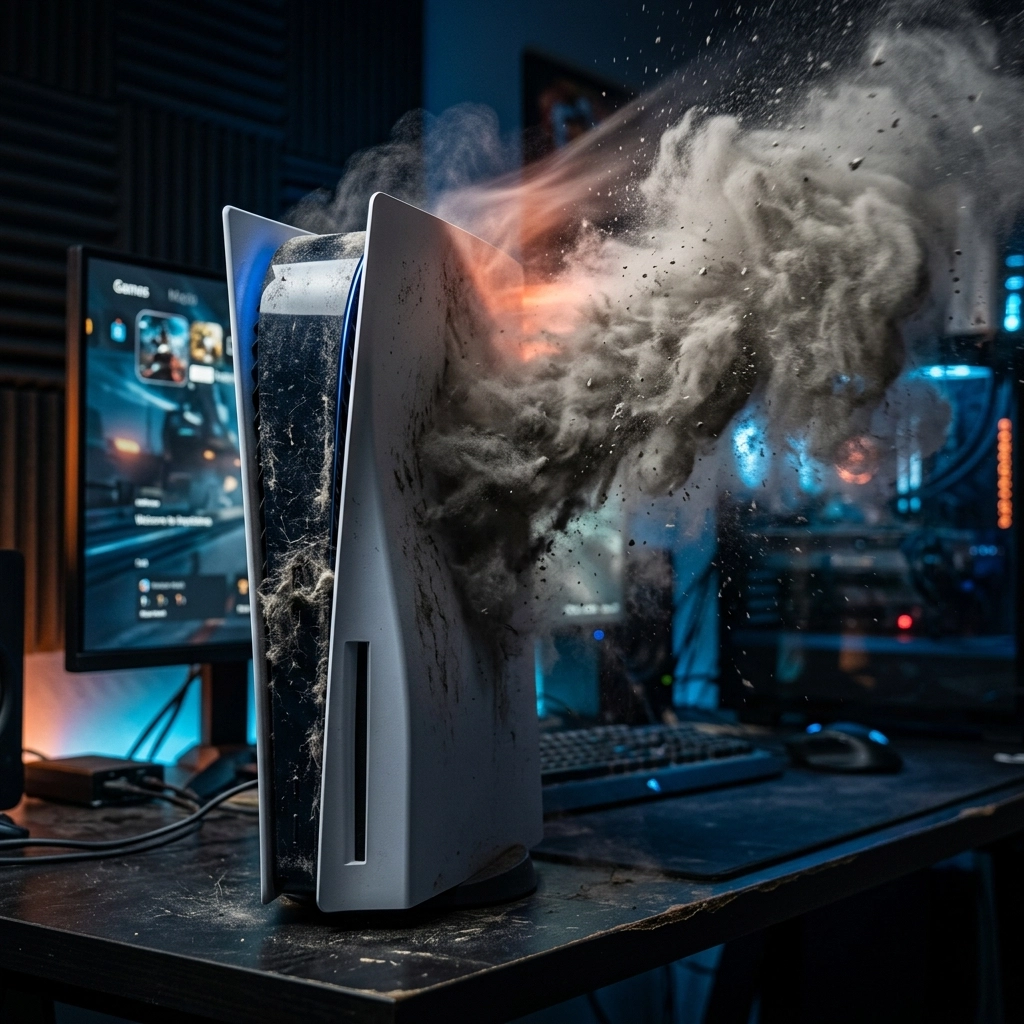
You’re halfway through an epic boss fight, the tension is mounting, and the graphics on your 4K TV look incredible. But then, you hear it. A low hum that quickly escalates into a high-pitched whine. Before you know it, your living room sounds less like a gaming den and more like the tarmac at the Lethbridge airport.
Your PS5 or Xbox Series X is trying to take flight.
If your console sounds like a jet engine, you’re not alone. It’s one of the most common complaints we hear at Second Wind Sales and Services. While these machines are engineering marvels, they have one major enemy that we’re all too familiar with here in Southern Alberta: Dust.
In this deep dive, we’re going to talk about why your console is screaming for help, why the "easy fixes" might be making it worse, and why a professional deep clean is the only way to truly restore the peace and quiet of your gaming sessions.
The Southern Alberta Struggle: Dust and Wind
Let’s be real for a second: living in the Lethbridge and Raymond area means dealing with Alberta dust. Between the Chinook winds and the surrounding farmland, our air is practically 10% topsoil. If that fine prairie dust can find its way through a sealed window frame, it definitely has no trouble getting into the massive intake vents of a modern game console.
Your PS5 and Xbox Series X are essentially high-powered vacuum cleaners. They need to pull in massive amounts of cool air to keep their internal processors from melting. Unfortunately, they aren't picky. They’ll pull in pet hair, carpet fibers, and that fine Alberta grit right along with the air. Over time, this creates what we call the "Dust Bunny Dynasty": a thick layer of insulation that traps heat inside your machine.
PS5: The Dust-Catcher Design
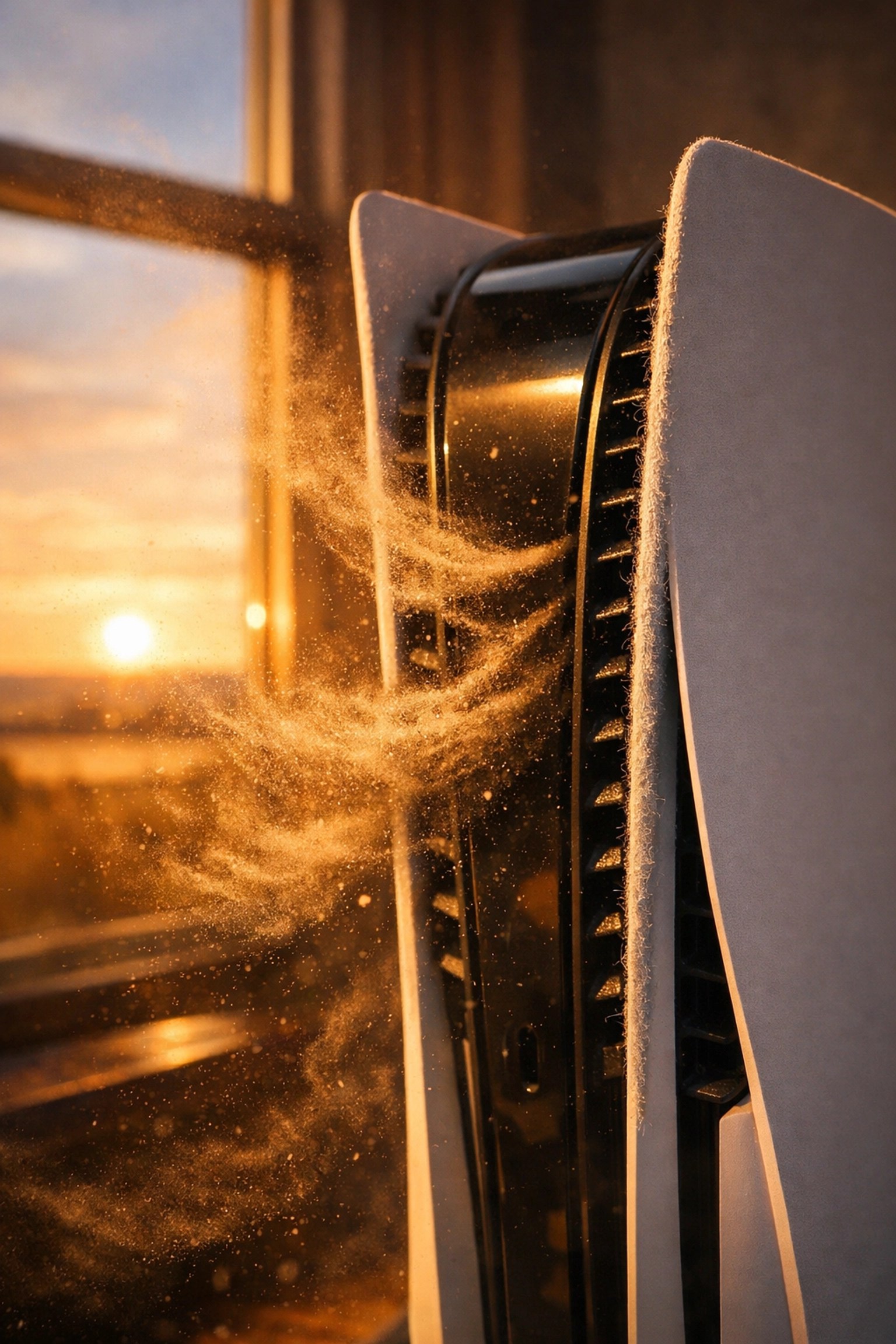
Sony actually knew this would be an issue. When they designed the PS5, they included "dust catchers": specific holes under the faceplates where you can supposedly vacuum out the buildup. It was a noble effort, but in practice, it’s a bit like trying to clean a shag carpet with a drinking straw.
The PS5 uses a massive centrifugal fan to move air. Because of the way the air flows, dust often bypasses those little catchers and settles deep within the fins of the heatsink. Once that heatsink is coated in a layer of "grey felt" (our nickname for compressed dust), the air can’t pull heat away from the chips.
The system’s sensors detect the rising temperature and tell the fan to spin faster to compensate. Higher RPMs equal higher noise. If it gets bad enough, the fan hits its maximum speed, and that’s when you get the jet engine effect.
Xbox Series X: The Chimney Effect
The Xbox Series X took a different approach with its "trash can" or chimney-style design. It uses one giant fan at the top to pull air from the bottom and out through the top. It’s an incredibly efficient cooling design, but it has one fatal flaw: gravity.
When the console is off, dust settles right down through those big top vents. Over months and years, this dust accumulates on the internal components. Because the Series X is so compact, there’s very little room for error. When those tightly packed internal boards get dusty, the heat stays trapped, and that big top fan has to work overtime.
The Canned Air Myth: Why You’re Just Packing the Snow
We see it all the time. A concerned gamer buys a can of compressed air and blasts it into the vents, hoping for a quick fix.
Pro-Tip: Stop doing this.
Using canned air on a heavily dusted console is the equivalent of trying to clear a driveway by blowing the snow into the garage. You aren't removing the dust; you’re just pushing it deeper into the machine. Often, you’re blowing it directly into the power supply or further into the crevices of the heatsink where it becomes even harder to remove.
Worse yet, if you spin the fan at high speeds with compressed air, you can actually generate a small electrical charge (back-feed) that can damage the motherboard, or you can knock the fan off its bearings.
Beyond the Dust: Thermal Paste and Liquid Metal
Dust isn't the only culprit. Inside your console, there is a material that sits between the main processor (the APU) and the heatsink. Its job is to fill in microscopic gaps and transfer heat as efficiently as possible.
- Xbox Series X: Uses traditional thermal paste. Over 3–5 years, this paste can dry out and become brittle, losing its ability to transfer heat.
- PS5: Uses liquid metal. This is much more efficient than paste, but it has its own issues. We’ve seen cases where the liquid metal "migrates" or develops dry spots, especially if the console is stood vertically for years.
When the "secret sauce" (thermal interface material) fails, no amount of fan speed will cool the chip down. This is where the jet engine sound turns into a "thermal shutdown": where your console just beeps and turns off to save itself from frying.

Using our shop microscope, we can see the literal "crust" that forms when thermal materials fail or when moisture mixes with dust on the board.
The "Hard Way": Why a Professional Deep Clean Wins
At Second Wind Sales and Services, we don't just "blow it out." A real console restoration involves a full teardown. We take the machine apart until we can see the bare heatsink.
- Full Disassembly: We remove the outer shells, the fan, and the internal shielding.
- Sonic/Manual Cleaning: We manually clear the "dust mats" from the heatsink fins. We clean the fan blades individually (you’d be surprised how much weight a little dust adds to a fan blade, causing it to wobble and whine).
- Power Supply Vacuum: The power supply is often the most neglected part. If it’s choked with dust, it runs hot, adding to the overall internal temperature.
- Re-pasting (When Necessary): If we see signs of thermal failure, we replace the old, crusty paste with high-end, enthusiast-grade thermal compound.
This is "The Hard Way," but it’s the only way to guarantee your console stays quiet for the long haul. It’s about more than just noise; it’s about longevity. Heat is the #1 killer of electronics. A loud fan is a warning sign: ignore it long enough, and you’re looking at a dead console.
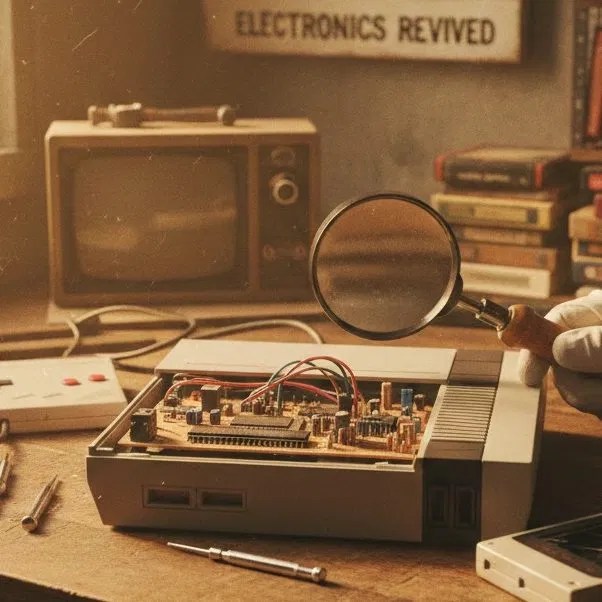
Whether it's a modern PS5 or a classic from the 80s, the principles of heat management remain the same.
Pro-Tips for a Cooler Console
Want to keep the dust bunnies at bay after we’ve cleaned your system? Here are a few "neighborly" tips from our workbench:
- Don't Hide It: We get it, the PS5 is huge and kind of an eyesore for some. But putting it inside a closed TV cabinet is a death sentence. It needs at least 4–6 inches of clearance on all sides.
- Off the Floor: If your console is on the carpet, it’s acting like a lint trap. Get it up on a shelf or a hard stand.
- Pet Management: If you have a cat that loves the warmth of the Xbox "chimney," you’re going to need a cleaning more often. Pet hair is the most common cause of fan failure we see.
- The Microfiber Touch: Regularly wipe down the area around your console with a damp microfiber cloth. If the dust isn't on the shelf, it can't get into the fan.
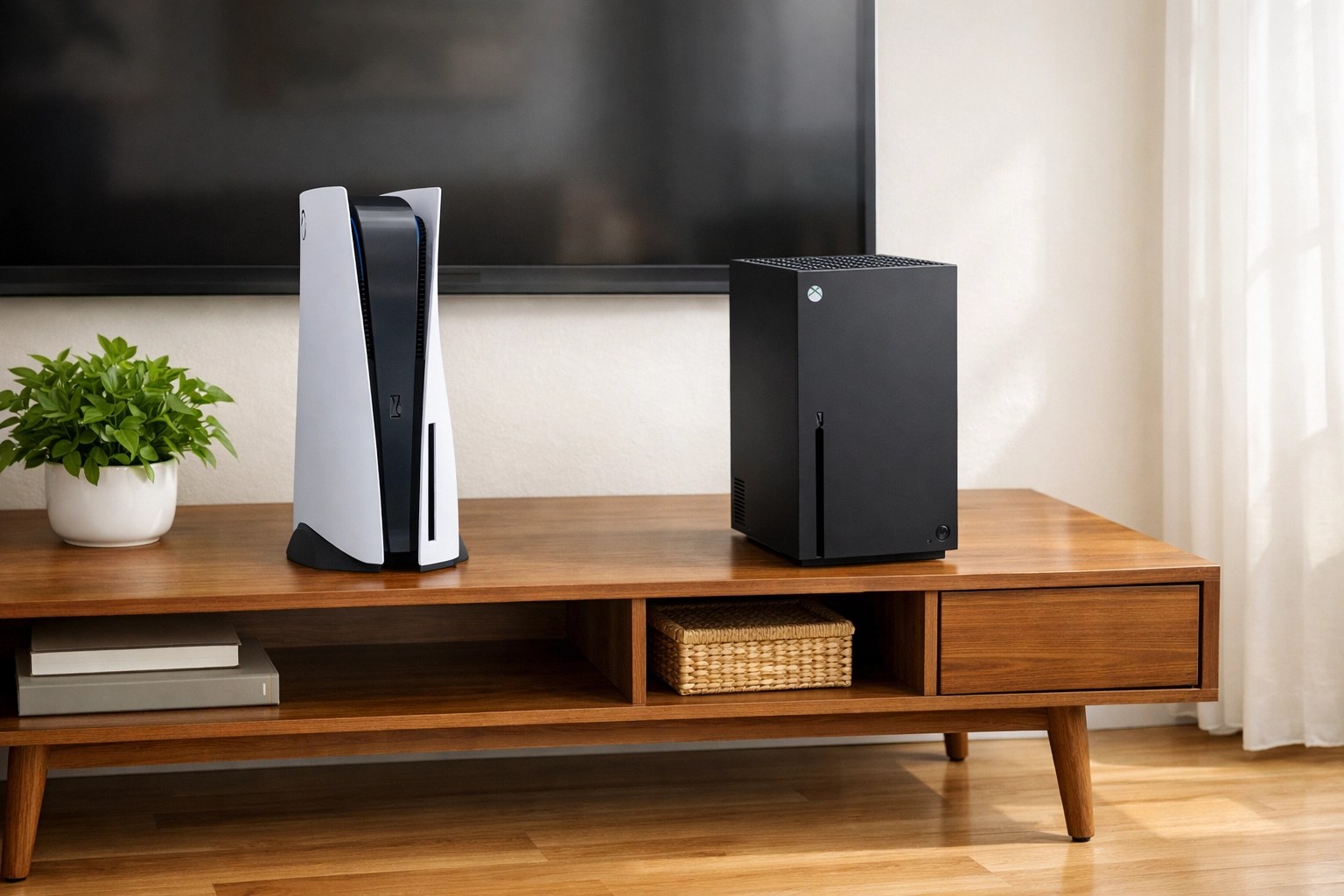
Let Your Console Breathe Again
You shouldn't have to turn your TV volume up to 50 just to hear the game over the sound of your PlayStation. If your console is getting loud, don't wait for the dreaded "Your PS5 is too hot" message to pop up on your screen.
We're not miracle workers, but we've saved hundreds of consoles from the "Jet Engine" fate. Whether you're in Lethbridge, Raymond, or anywhere else in Southern Alberta, bring your machine by Second Wind Sales and Services. We'll crack it open, evict the dust bunnies, and get you back to silent gaming.
Life is loud enough: your game console shouldn't be.
Ready for a refresh? Check out our page-sitemap.xml to see all our services, or just drop by the shop and let's chat. We’re here to give your tech its second wind!
Leave a Reply