
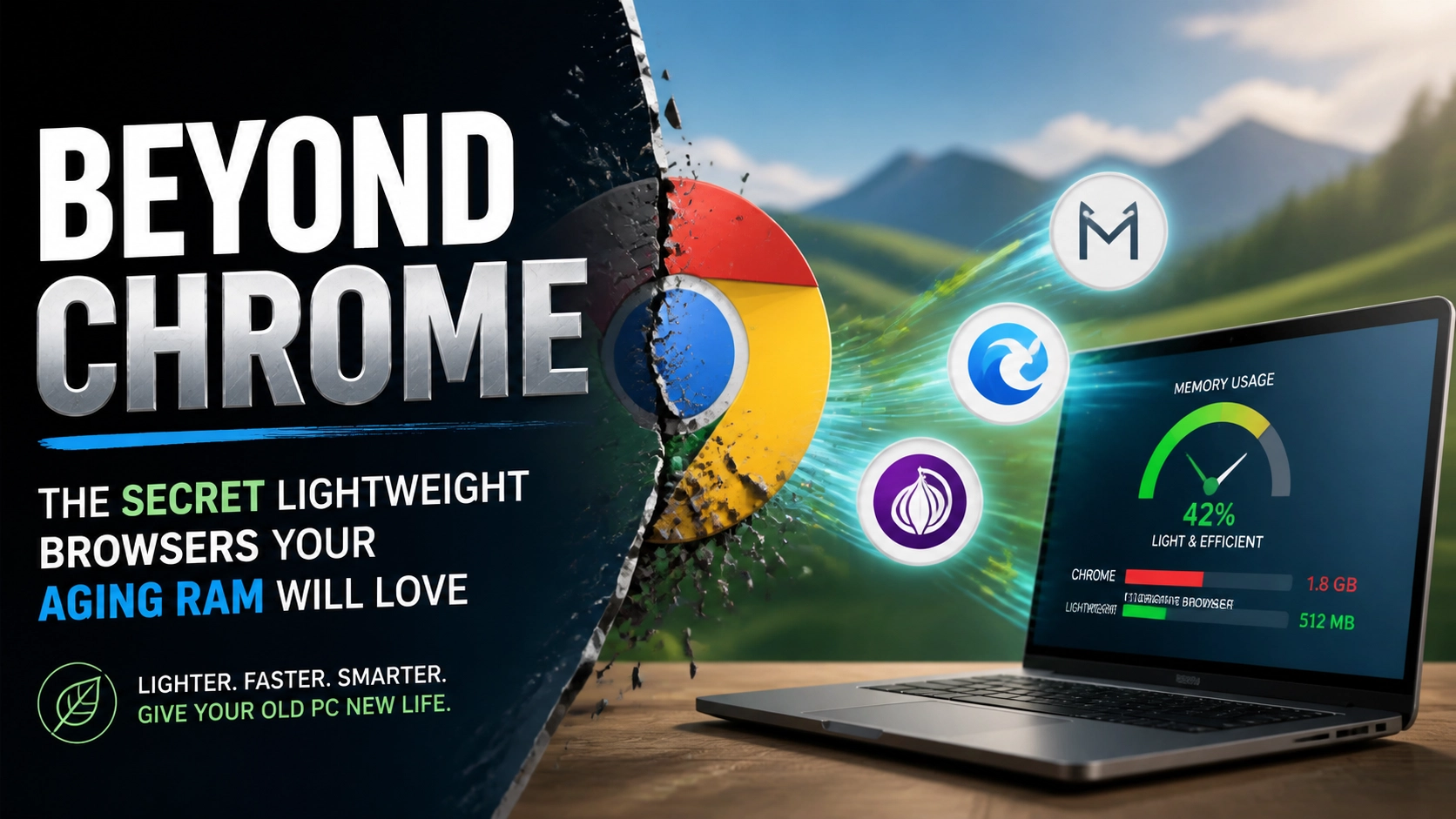
Ever tried to drive down Whoop-Up Drive during a February blizzard? You know that feeling, the wheels are spinning, the engine is roaring, but you aren’t moving an inch because you’re bogged down by heavy, wet snow.
That’s exactly what Google Chrome does to an older laptop.
Don’t get me wrong, I love modern tech as much as the next guy, but I have a real soft spot for the “old guard.” There’s something deeply satisfying about taking a laptop from 2014, cleaning out the dust, and making it fly again. But here’s the cold, hard truth: you can have the cleanest hardware in Lethbridge, but if you’re running a modern version of Chrome on 4GB of RAM, your computer is going to feel like it’s wading through molasses.
At Second Wind Sales & Services, we’re all about giving electronics a “second wind” (see what I did there?). Today, I want to talk about the secret world of lightweight browsers. These are the specialized tools that let you keep your reliable old hardware without the frustration of a spinning hourglass every time you try to check your email.
The RAM Hog in the Room
Before we dive into the alternatives, we need to understand why Chrome is so heavy. Chrome treats every single tab you open like its own separate program. This is great for stability, if one tab crashes, the whole browser doesn’t die, but it’s an absolute nightmare for your RAM (Random Access Memory).
Think of your RAM like a physical workbench in my shop. Chrome is that one project that takes up the entire table, brings in three lunch boxes, a giant toolbox, and invites four friends over. Suddenly, you have no room left to actually work.

If you’re working with an older machine, your “workbench” is already a bit smaller. When Chrome gobbles up 2GB of RAM just to show you a couple of news articles, your operating system has to start “swapping” data to your hard drive, which is much slower. That’s when the lag starts.
But don’t go reaching for your wallet to buy a new machine just yet. You don’t need a new laptop; you just need a better set of tools.
1. Midori: The Lean, Green Surfing Machine
If you want a browser that feels modern but acts like it’s on a strict diet, Midori is your best friend.
Midori (which is Japanese for “green”) is an open-source web browser that is famous in the Linux community for being incredibly fast and lightweight. It uses the WebKit engine, the same stuff that powers Safari, but it strips away all the extra bloat that Google likes to pack in.
Why it’s great for your old PC:
- Minimalist Interface: It doesn’t waste screen real estate or processing power on flashy animations.
- Privacy First: It doesn’t track your every move, which actually saves data and processing power.
- Speed: It opens almost instantly, even on hardware that’s a decade old.
Pro-tip: Midori is fantastic for “single-purpose” browsing. If you just need a dedicated window for your bank or a specific web app, use Midori to keep things snappy.
2. Falkon: The Hidden Gem of Performance
Formerly known as QupZilla, Falkon is a browser that many people haven’t heard of, but it’s a powerhouse for older Windows and Linux machines. It uses the QtWebEngine, which is a modern core, but the “shell” around it is designed to be as light as a feather.
Falkon comes with a built-in AdBlock. Now, I’m not saying you shouldn’t support your favorite creators, but on an old computer, ads are performance killers. Every flickering banner and auto-playing video is a tiny weight tied to your CPU. By blocking those natively, Falkon saves your RAM from doing unnecessary heavy lifting.
The “Easy Way” to Speed:
Simply installing Falkon and using its default settings will likely result in a 30-40% reduction in memory usage compared to Chrome. It’s like taking the heavy canopy off your truck to get better gas mileage.

3. K-Meleon: For the True Retro Warriors
Now, if you’re rocking something really vintage, we’re talking Windows XP or early Windows 7 era hardware, you need the heavy hitters. Or rather, the light hitters. Enter K-Meleon.
K-Meleon has been around since the dawn of time (okay, since 2000), and it is specifically designed for Windows. It uses the Gecko layout engine (the same as Firefox), but it’s built to be incredibly customizable and extremely light on resources.
Why I love it:
It reminds me of the early days of tech, when things were built to be efficient because they had to be. K-Meleon allows you to toggle things like JavaScript or images on and off with a single click. If you’re just trying to read a Wikipedia article on a machine with 1GB of RAM, this browser is a miracle worker.
I’m not a miracle worker, but K-Meleon comes pretty close when it comes to reviving 20-year-old towers!
The Benefits of Staying Lean
You might be asking, “Cody, why go through the trouble? Why not just buy a new budget laptop at the big-box store?”
Well, besides the fact that I’m a bit of a geek for old gear, there are three big reasons:
- Your Wallet: A new “budget” laptop often comes with a weak processor and barely enough RAM to run Windows 11. You’re often better off keeping your older, high-quality “business class” laptop and running lightweight software on it.
- Sustainability: E-waste is a massive problem. If we can keep a perfectly good computer out of the landfill for another three or four years just by changing the browser, that’s a win for Southern Alberta and the world.
- Privacy: Most lightweight browsers aren’t owned by giant advertising companies. They don’t need to “phone home” with your data every five seconds, which saves your bandwidth and your sanity.

Keeping Your Legacy Gear Smooth
Changing your browser is a great first step, but if your machine is still struggling, it might need a little professional TLC. Sometimes, the software is fine, but the hardware is literally “choking.” Over time, dust buildup in the fans can cause your CPU to overheat and throttle its speed: making even a lightweight browser feel slow.
If you’re in the Lethbridge area, bring your “old friend” by Second Wind Sales & Services. Whether it’s a simple internal cleaning, a RAM upgrade, or a jump from a spinning hard drive to a solid-state drive (SSD), we can make that old machine feel like it just came off the assembly line.
Check out our professional laptop repair services if you think your hardware needs more than just a software tweak.
The Tech Wizard’s Summary
Don’t let Chrome’s hunger for RAM dictate when you retire your computer. Try out Midori or Falkon this week. It might take a day or two to get used to a new interface, but the speed boost is worth it. It’s like finding a secret shortcut that bypasses all the traffic on Mayor Magrath Drive.
Quick Recap for the Skimmers:
- Chrome is a RAM hog because it treats every tab as a separate program.
- Midori is the best all-around lightweight choice for a modern feel.
- Falkon is great if you want built-in ad-blocking and high stability.
- K-Meleon is the “break glass in case of emergency” option for very old PCs.
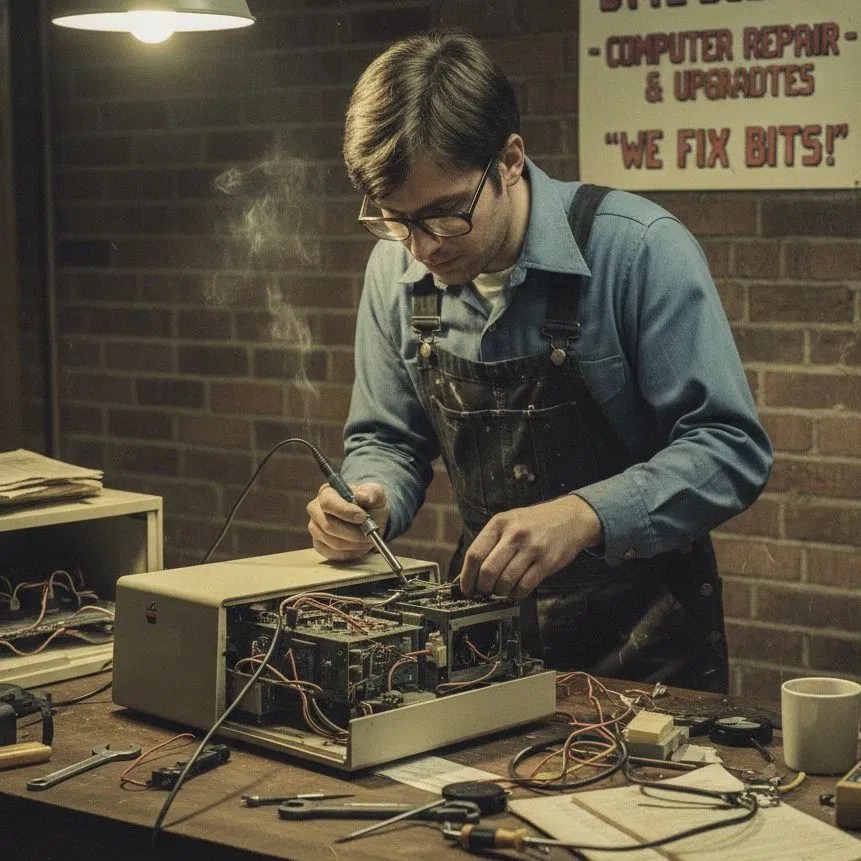
We love seeing old tech thrive. If you’ve got an old beast in the attic that you want to turn into a dedicated browsing station or a kid’s homework machine, give us a shout. We’re always happy to talk shop and help you figure out the best path forward for your gear.
Keep those fans spinning and your RAM clear, folks!
Ready to give your tech a second chance?
Visit our shop or book a diagnostic appointment today. Let’s get your devices back up to speed!
Generate an image that could represent how Chrome (the internet browser) uses tabs to weigh down RAM. Make it metaphorical.
Leave a Reply