

It’s Friday, March 13th, 2026. Here at Second Wind Sales and Services, the shop is buzzing, the coffee is strong, and I’m currently staring down a piece of tech history. Specifically, a 2011 MacBook Air.
Most people would look at a fifteen-year-old laptop and see a paperweight. They’d think it belongs in a museum: or worse, a landfill. But around here, we have a bit of a "mad scientist" streak. Our philosophy is simple: just because something is old doesn't mean it's done. That’s why we’re called Second Wind. We believe in giving electronics a victory lap (or three).
I’ve decided to put this theory to the ultimate test. Can a machine from the era of LMFAO’s "Party Rock Anthem" and the original iPad actually survive the demands of 2026? I’m typing parts of this blog post on that very machine right now.
Spoilers: It’s not just alive; it’s actually useful. Here is how we’re reviving old hardware to save you money and keep the planet a little greener.
The 2026 Reality Check: Apple vs. Time
Let’s be real for a second. If you look at the official Apple support pages today, the 2011 MacBook Air is listed as "Vintage" or "Obsolete." In the world of macOS Tahoe (that’s version 26 for those keeping track), a 2011 machine isn't even on the radar. Apple officially dropped support for these models years ago, leaving them stuck on macOS High Sierra or, if you pushed it, maybe Big Sur with some luck.
Trying to run modern software on an unoptimized, fifteen-year-old OS is like trying to drive a horse and buggy on the Crowsnest Highway during a blizzard: you might move, but it’s going to be slow, cold, and a little bit dangerous.
But here’s the secret the big manufacturers don't want you to know: Hardware is often way more capable than the software allows it to be.
The Second Wind "Secret Sauce" for Reviving Old Macs
To get this 2011 Air purring like a kitten in 2026, we had to perform a little bit of "tech wizardry." We didn't just turn it on and hope for the best. We gave it the full Second Wind treatment.
1. Skip the Hardware Swaps: Go Lightweight Instead
On a 2011 MacBook Air, big “hardware swap” plans usually sound better than they go. Between proprietary parts, age-related surprises, and the whole “why is this screw stripped?” situation, it’s often just not practical.
The smoother (and way less stressful) path in 2026 is lightweight software. Think of it like driving the back roads instead of trying to merge onto Highway 3 at rush hour—same destination, less pain.
Our go-to move: install a lightweight Linux distro like Lubuntu. It’s built to run well on older CPUs and limited RAM, and it keeps the machine usable for the stuff most people actually do:
- Web browsing (lighter browsers, fewer “this tab ate your laptop” moments)
- Email + docs
- Basic streaming
- Simple everyday apps
Pro-tip: If your 2011 Air feels “fine until you open two tabs,” you don’t necessarily need a screwdriver—you need a lighter operating system.
And the best part? Going this route helps keep electronics out of the landfill without needing a screwdriver. No parts hunting, no “oops I snapped a connector,” just a clean software refresh that gives the old hardware a real second wind.
2. OpenCore Legacy Patcher (The "Expert" Way)
Since Apple says this machine can’t run modern macOS, we decided to ignore them. We used a tool called OpenCore Legacy Patcher (OCLP).
OCLP is a bit of community-made magic that tricks the hardware into thinking it's a much newer model. This allowed us to install a much more recent version of macOS. Is it running the brand-new macOS Tahoe perfectly? Not quite. But is it running a version that supports modern web browsers and security updates? Absolutely.
3. The Linux Alternative (The "Speed Demon" Way)
If you don't need specific Mac software, turning an old MacBook into a Linux machine is the ultimate power move. Linux is an operating system that is incredibly "light." It doesn't need much RAM or processing power to fly. A 2011 MacBook Air running a lightweight version of Linux (like Lubuntu) feels faster than some budget laptops you can buy at big-box stores today.
Why Bother? (Save Your Wallet, Save the Planet)
You might be asking, "Cody, why spend time on a 2011 laptop when I can just go buy a new one?"
I get it. The new M3 and M4 Macs are beautiful. But they also cost a small fortune. By reviving an old machine for a few hundred bucks in parts and labor, you’re saving literally thousands of dollars.
More importantly, you’re helping with the electronic waste problem. Every year, millions of perfectly good computers are tossed into bins because they "got slow." Most of the time, they aren't broken; they’re just cluttered or running outdated software.
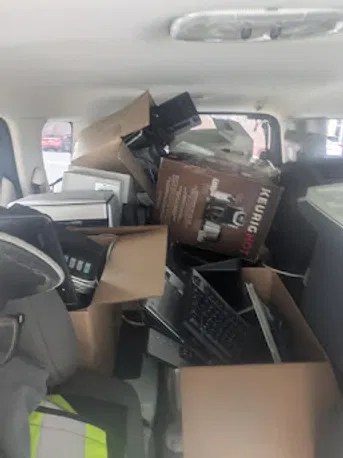
At Second Wind Sales and Services, we’re big on electronics recycling. If we can’t fix it, we make sure the parts are harvested or recycled responsibly. But our first goal is always to see if we can give it that "Second Wind."
What Can This 15-Year-Old Laptop Actually Do?
I’ve been using this 2011 Air for the last few days. Here’s the "keep it real" report:
- Web Browsing: With a modern browser (thanks to our software tweaks), it handles YouTube, Gmail, and Facebook just fine. It’s a great "couch laptop."
- Word Processing: If you’re a student or someone who just needs to write, this is perfect. It’s light, the keyboard is actually better than some of the newer "butterfly" keyboards Apple made, and it’s distracting-free.
- Retro Gaming: It won't run the latest AAA titles, but for emulating old games or playing indie hits? It’s a champ.
- Streaming: Netflix and Spotify work perfectly.
Pro-tip: Don't expect to edit 8K video on this. Know your limits! It's a trusty workhorse, not a racing stallion.
The "Second Wind" Philosophy: It’s About the Connection
There’s something special about keeping an old piece of tech alive. It’s like keeping a classic car on the road. It has character. It has history. Maybe it was your first college laptop, or maybe it belonged to a loved one.
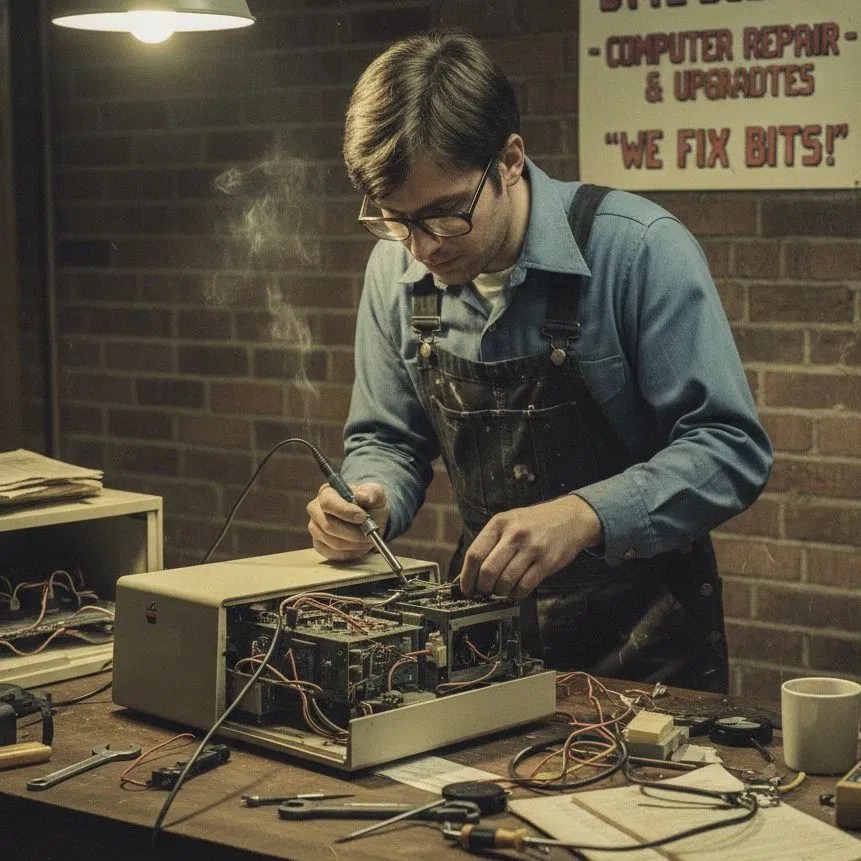
When you bring your gear to us, we don't just see a model number. We see a tool that you rely on. Whether it’s a PS5 controller with drift issues or a MacBook that won't turn on, we treat it with the respect it deserves.
I’m not a miracle worker, but I am a guy who hates seeing good tech go to waste. If there’s a way to save you money and keep your device running, we’re going to find it.
Is Your Old Tech Gathering Dust?
If you have an old laptop, tablet, or gaming console sitting in a drawer because you think it's "too old," bring it by. Let’s see if we can give it a Second Wind.
You don't always need the latest and greatest to get the job done. Sometimes, the best computer for the job is the one you already own: it just needs a little bit of love, a new SSD, and maybe a tech wizard in a basement to show it the way.
Ready to see if your hardware has a second life?
- Check out our full list of services.
- Book a repair or consultation here.
- Or just contact us to chat about your options.
We’re right here in Lethbridge, ready to help you save money and keep your tech out of the landfill. Let’s get to work!
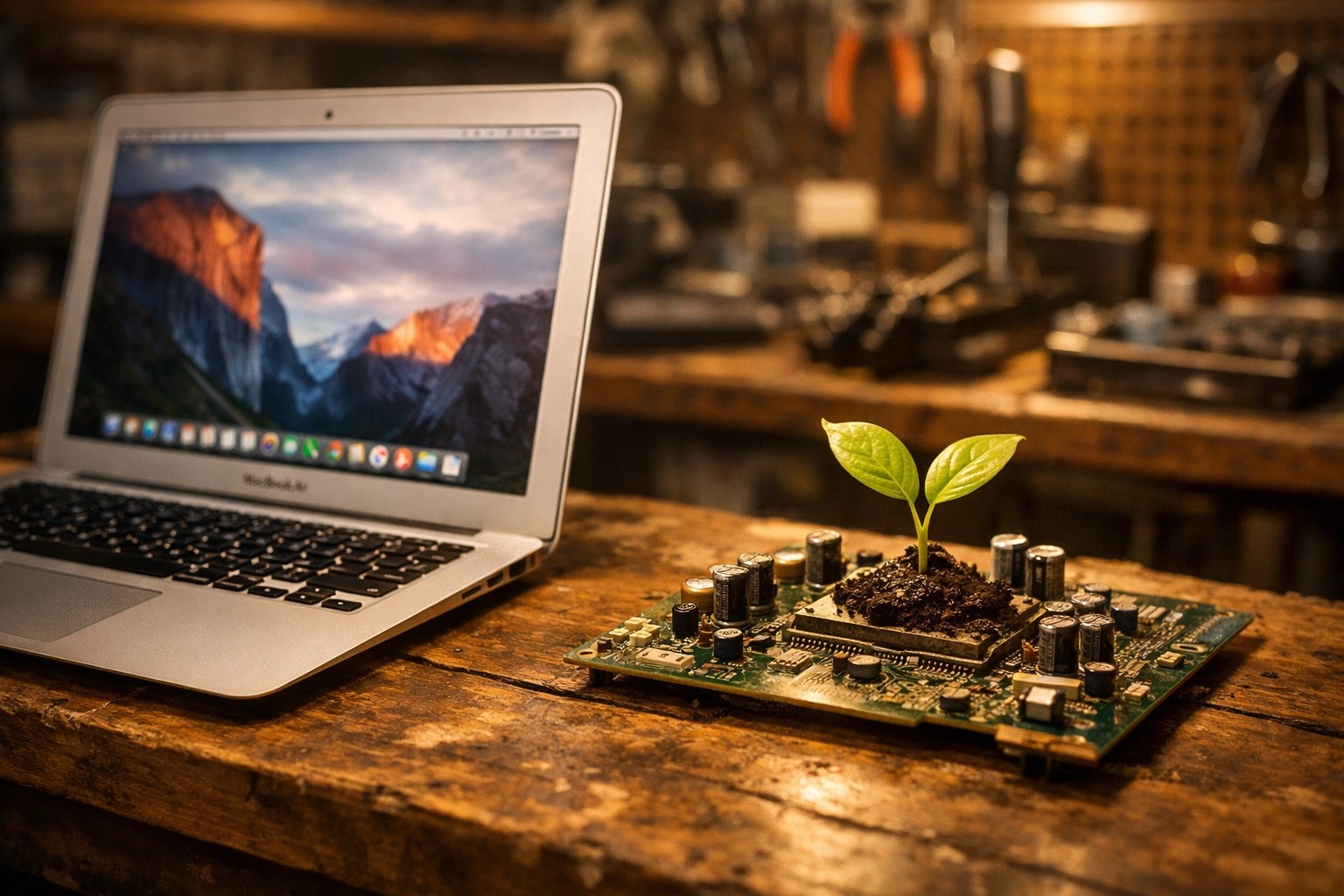
P.S. If you’re into the retro side of things, don’t forget to check out our shop for some cool collectibles and merch. We love the old stuff as much as you do!
Leave a Reply