

Ever feel like your computer is trying to run through a foot of fresh Alberta snow in a pair of flip-flops? You press “Power,” go grab a coffee at the local Tim’s, come back, and it’s still circling that little blue ring of doom. We’ve all been there. It’s frustrating, it’s a productivity killer, and frankly, it’s enough to make you want to toss the whole tower into the Oldman River.
But before you start shopping for a brand-new $1,200 machine, I have some good news for you. Most of the time, your computer isn’t “dead”: it’s just bogged down. As the owner of Second Wind Sales and Services, I see this every single day. People come into our Raymond shop thinking they need a total replacement, when really, they just need a bit of “second wind.”
In this guide, we’re going to look at the 10 biggest reasons your PC is lagging and reveal the absolute best slow computer fix for 2026.
1. The “Spinning Rust” Problem (HDD vs. SSD)
If your computer is more than a few years old, there is a 90% chance it’s running on a traditional Hard Disk Drive (HDD). Think of an HDD like an old-school record player or a massive filing cabinet. To find a piece of data, a physical arm has to move across a spinning platter. It’s mechanical, it’s loud, and by 2026 standards, it is painfully slow.
Modern software is designed for Solid State Drives (SSDs). An SSD has no moving parts: it’s pure flash memory. Using an HDD in 2026 is like trying to win a drag race at the Rocky Mountain Raceway while driving a tractor.
The Fix: This is the “Magic Bullet.” Swapping your old HDD for a modern SSD is the single most impactful slow computer fix you can perform. It’s like giving your PC a shot of digital espresso.
2. Startup Traffic Jams
When you turn on your computer, a dozen different programs are all screaming, “Me first! Pick me!” Spotify, Steam, Discord, printer helpers, and that random weather app you downloaded in 2022 are all trying to launch at once.
It’s like trying to get out of the Enmax Centre parking lot after a Hurricanes game: everyone is trying to merge at the same time, and nobody is moving.
Pro-Tip: Open your Task Manager (Ctrl + Shift + Esc), click the “Startup” tab, and disable anything you don’t need immediately. You’ll be amazed at how much faster your desktop appears.
3. Background Resource Hogs
Just because you aren’t using an app doesn’t mean it isn’t working. Many programs hide in your system tray (down by the clock) and gobble up your processor’s attention. If you have twenty different “helper” apps running, your CPU (the brain of the computer) gets tired.
At Second Wind, we often find “bloatware”: pre-installed junk from the manufacturer: that has been sucking the life out of PCs for years without the owner even knowing.
4. The “Alberta Dust” Factor (Overheating)
We live in a beautiful part of the world, but let’s be honest: it’s dusty. Between the farm fields around Magrath and the wind howling through Lethbridge, our electronics take a beating.
Inside your computer, there are fans meant to keep things cool. Over time, these fans suck in dust, pet hair, and “prairie fluff,” creating a thick blanket over your components. When your PC gets too hot, it performs “Thermal Throttling.” It purposely slows itself down so it doesn’t literally melt.
The Fix: A professional cleaning. We don’t just blow some air in there; we get into the nooks and crannies to ensure your PC can breathe again. If you’re looking for computer repair services that understand the local environment, we’ve got the canned air and the expertise ready to go.
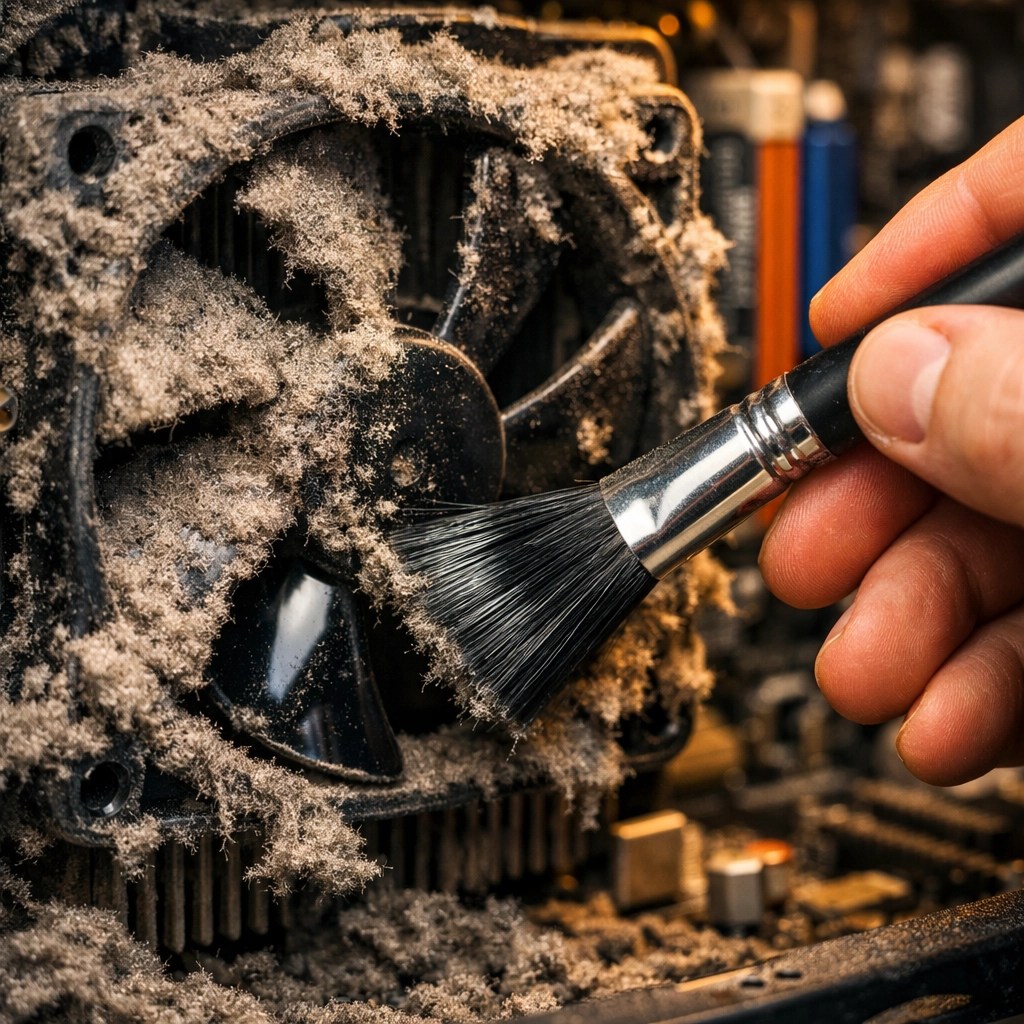
(Suggested AI Image: A close-up of a very dusty computer fan being cleaned with a brush or compressed air, showing the contrast between the grime and the clean components.)
5. Malware and Digital Parasites
You don’t have to be visiting “shady” websites to get infected. Malware has become incredibly sophisticated. Sometimes, it’s not even a virus that deletes files; it’s “adware” or “miners” that use your computer’s power to mine cryptocurrency for someone else.
If your fans are spinning at full speed even when you aren’t doing anything, you might have an uninvited guest. These digital parasites are a leading cause of the dreaded “snail’s pace.”
6. RAM Limitations
RAM (Random Access Memory) is your computer’s short-term memory. It’s where it keeps the things you are working on right now. In 2026, 4GB of RAM is barely enough to open a single web browser tab. 8GB is the bare minimum, and 16GB is the “sweet spot” for most people.
When you run out of RAM, Windows starts using your hard drive as “Virtual Memory.” Refer back to Point #1: if your hard drive is slow, your “extended memory” will be even slower. It’s a recipe for a frozen screen.
7. The “Full House” Syndrome
Imagine trying to organize a dance party in a room that is packed floor-to-ceiling with boxes. You can’t move, right? Your operating system needs “breathing room” (free space) on your drive to swap files and run updates.
If your C: drive is in the “red zone” (less than 10% free space), your computer will start to crawl. It spends more time looking for a place to put temporary files than it does actually running your programs.
8. Browser Extension Overload
We spend most of our time in Chrome, Edge, or Firefox. But if you have fifteen different “coupon finders,” “dark mode toggles,” and “grammar checkers” installed, your browser becomes a heavy, bloated mess.
Every extension you add is like adding another passenger to a bicycle. Eventually, you’re going to have a hard time pedaling uphill.
9. Outdated Operating Systems
Still running Windows 10? Or heaven forbid, Windows 7? While we love a bit of tech nostalgia here at Second Wind: like we do with our vintage gaming consoles: using an outdated OS for your daily work is a security risk and a performance drag.
Modern updates often include “optimization patches” that help your hardware talk to your software more efficiently. If you’re behind on updates, you’re missing out on free speed.
10. Hardware Failure (The Final Warning)
Sometimes, a slow computer is a cry for help. A failing hard drive will often “stutter” as it tries repeatedly to read a corrupted sector. If your computer freezes for 30 seconds and then suddenly “catches up,” your hardware might be on its last legs.
This is where catching it early saves you money. It’s much cheaper to replace a failing drive than it is to try and recover data from a dead one.
The “Easy Way” vs. The “Hard Way”
When it comes to a slow computer fix, you have two choices:
The Hard Way:
Spending your Saturday afternoon watching YouTube tutorials, accidentally deleting your family photos, getting frustrated with BIOS settings, and realizing you bought the wrong type of RAM for your motherboard.
The Easy Way:
Bring it to Second Wind Sales and Services in Raymond. We are proud to be the best computer repair service in the Lethbridge and Raymond area. We don’t speak in “geek code” (unless you want us to); we give you straight answers and fair prices.
The Best Slow Computer Fix for 2026: The SSD Upgrade
If you take one thing away from this post, let it be this: The SSD Upgrade is king.
I’ve seen machines from 2015 that people were ready to throw in the trash. We swap out the old mechanical drive for a high-speed SSD, clone their data so they don’t lose a single cat picture, and suddenly that “old” laptop boots up in 15 seconds instead of 5 minutes.
It is the most cost-effective way to make an old computer feel brand new. In 2026, where everything is web-based and high-def, you simply cannot afford to be tethered to 20th-century disk technology.
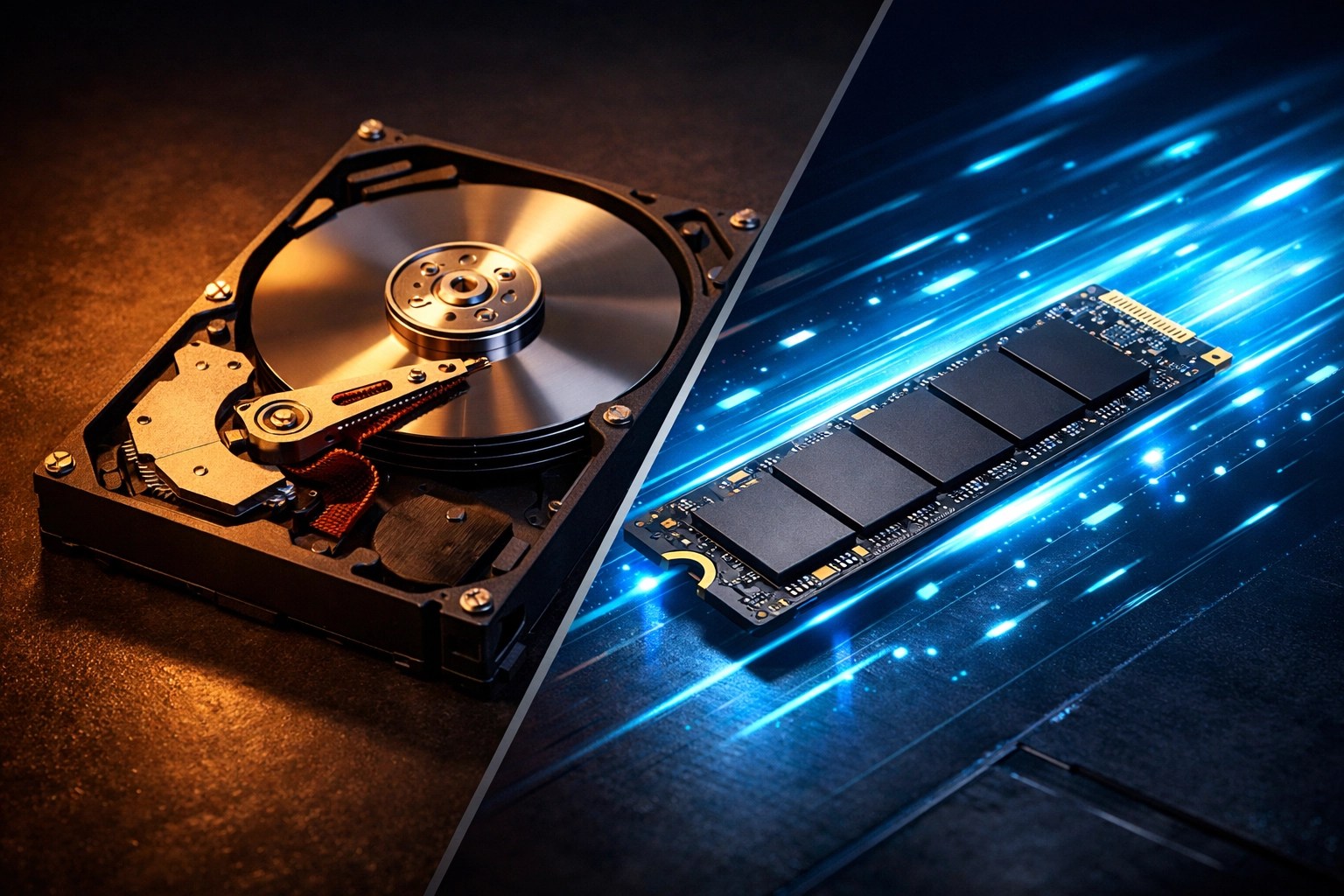
(Suggested AI Image: A side-by-side comparison visual. On the left, a dusty, slow mechanical hard drive with a “Stop” sign. On the right, a sleek, glowing SSD with a “Go” or “Fast” sign.)
Why Choose Second Wind?
We aren’t a giant big-box store. We’re your neighbors. Whether you’re coming in from Stirling for a laptop repair or you’re a local Raymond business needing a fleet of PCs tuned up, we treat your gear with the same respect we’d give our own.
We’re experts in everything from iPhone screen replacements to complex PCB soldering under our high-tech microscope. But our favorite job? It’s taking a “slow” computer and making it “snappy” again. There’s a certain magic in seeing a customer’s face when they realize they don’t have to spend $1,000 on a new PC.

Ready to get your “Second Wind”?
Don’t let a slow computer ruin your day. If your PC is acting like a snail, let us give it the boost it deserves.
- Visit us in Raymond: Get Directions & Contact Info
- Check out our services: What we do
- Browse our shop: Refurbished gear and more
Stop by and see us. We’ll get you back up to speed in no time!
Leave a Reply