
You know the moment. You’re mid-match, lining up a shot, or just trying to scroll a menu without drama, and suddenly your character starts moonwalking left like the controller has developed its own agenda. Your thumbs are off the sticks, but the camera is still doing laps.
That’s not bad luck. That’s stick drift.
Whether you’re running a PS5 DualSense or an Xbox Series X controller, drift is one of those modern gaming annoyances that shows up uninvited and overstays its welcome. It doesn’t care if you’re a sweaty ranked grinder or a weekend Forza cruiser. If the stick hardware starts getting noisy, your controller starts freelancing.
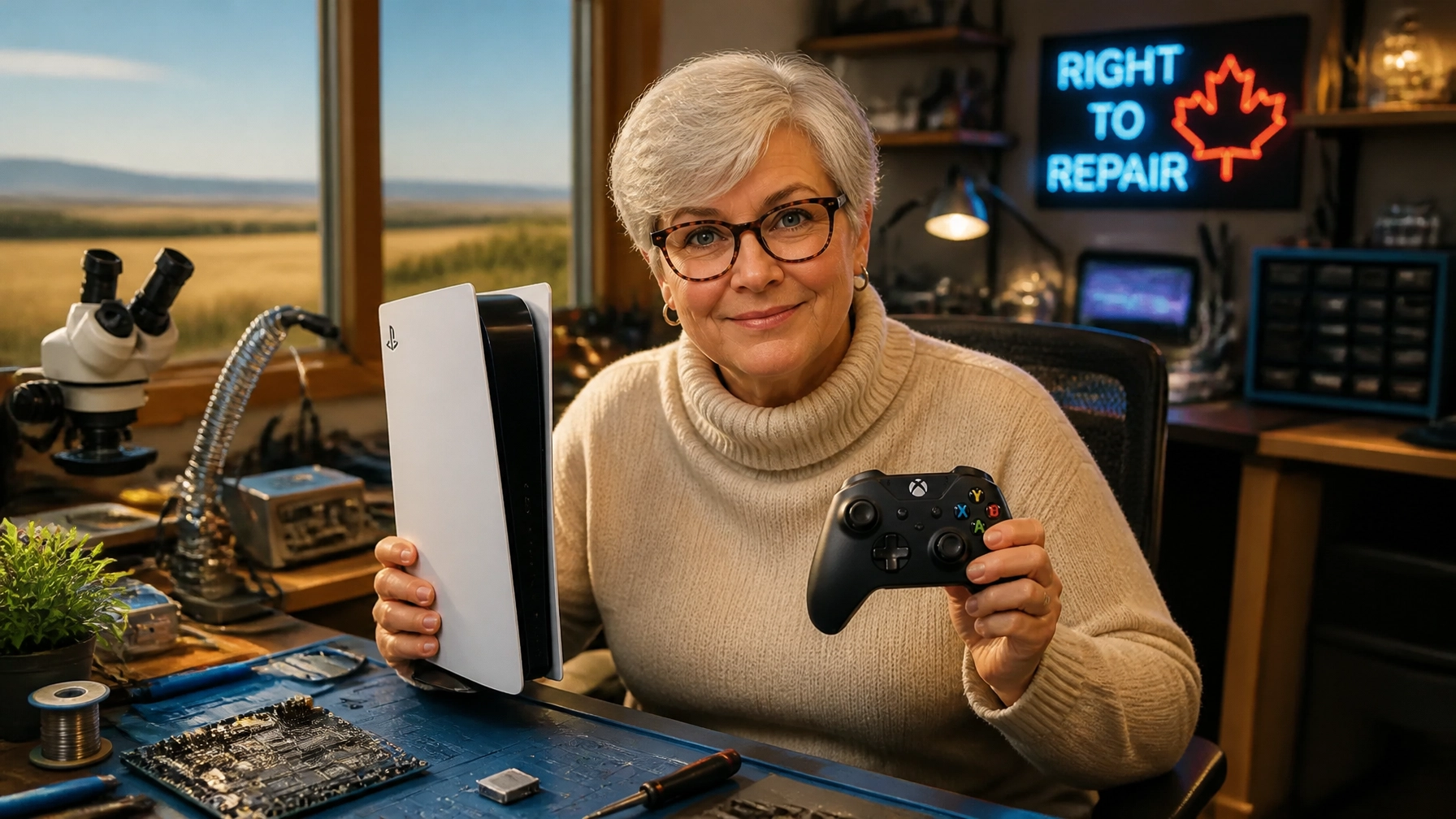
And I’ll be honest: I hate watching good gear get benched for something this fixable. I’m Penny Bontor, a Southern Alberta tech romantic with a soft spot for well-made hardware, and stick drift is exactly the kind of nonsense that turns a favorite controller into an avoidable paperweight.
The good news? You don’t need to rage-buy a new controller just yet. Here’s what’s actually going on inside those sticks, why it happens, and how we fix it at Second Wind Sales & Services.
What in the World is Stick Drift?
Technically speaking, stick drift is when your console registers input from the analog sticks even when you aren’t touching them. It starts as a slight “jitter” in the camera and ends with your character walking off a cliff while you’re trying to check your inventory.
It’s frustrating, it’s expensive, and it’s become a bit of an epidemic in the modern gaming era. Both Sony and Microsoft use similar technology in their controllers, which means both the PS5 controller repair and Xbox controller repair queues at my bench stay pretty full.
And yes, I take that personally. A good controller shouldn’t retire early just because one tiny component started acting like it got hit by a Raymond wind gust.
The Science of the Drift: Potentiometers
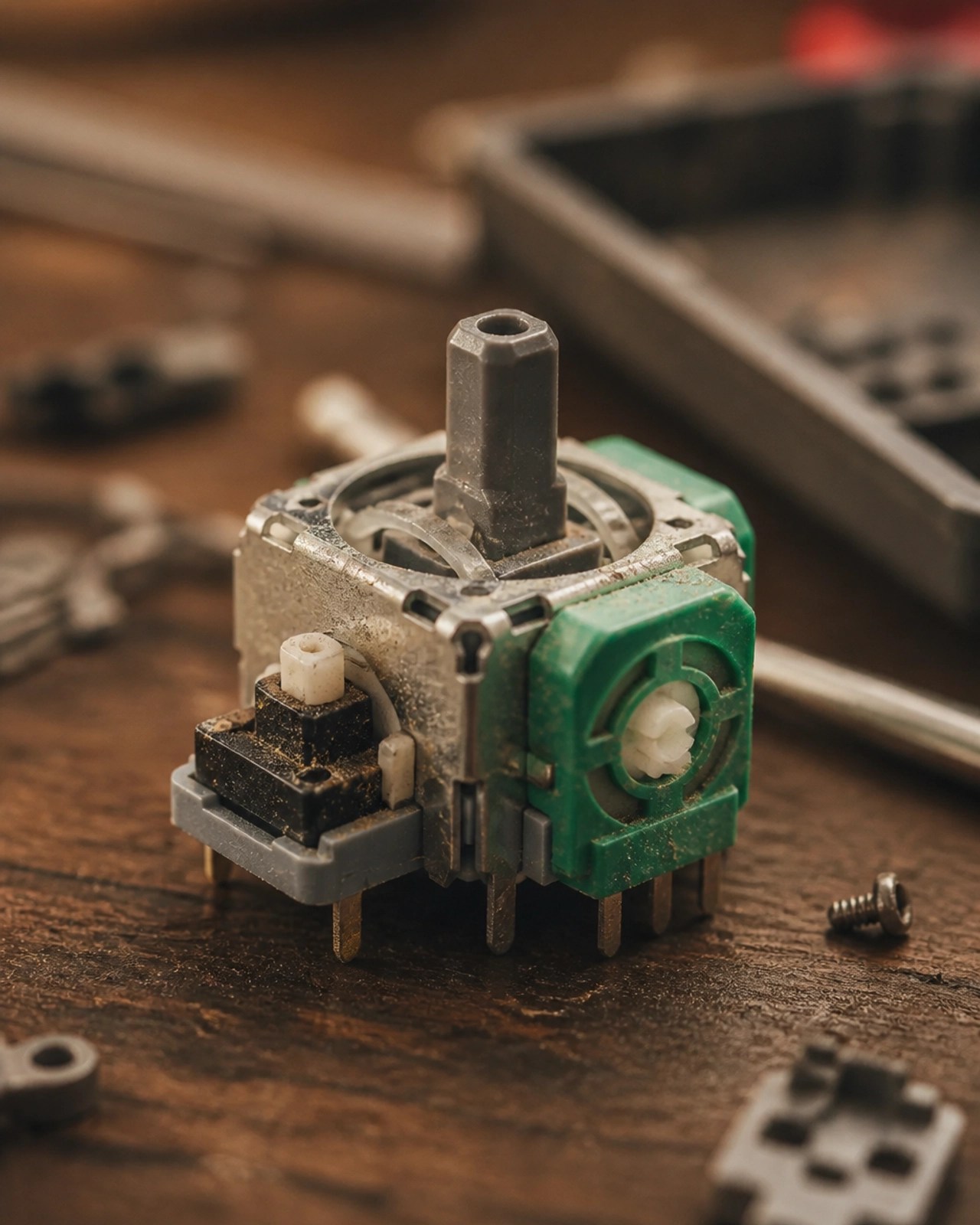
Inside your controller, tucked under those thumbsticks, are little components called potentiometers.
Think of them like a tiny position sensor with moving parts. As you move the stick, a small metal “wiper” slides across a carbon track. That movement tells the controller exactly where the stick is sitting on the X and Y axes.
The catch? It’s a physical contact system. Every match, every sprint, every panic-spin in a boss fight adds a little more wear. Over time, that carbon track degrades, or debris gets in and makes the signal noisy. Once that happens, the controller starts misreading center position and your aim, movement, or camera starts drifting like a shopping cart with one bad wheel.
This is the part I wish more people knew: drift usually isn’t your imagination, and it usually isn’t you “being rough” on your controller. It’s a wear issue built into the design. Tiny moving parts rubbing together, over and over, until the signal goes weird.
The Southern Alberta Factor: Dust & Grit
Now, listen closely, because this is the hyper-local truth: Living in Southern Alberta is hard on electronics.
Between the Raymond wind and the Lethbridge dust, our air is full of microscopic grit. That grit loves to find its way inside the crevices of your controller, getting trapped right in those potentiometers. It acts like sandpaper, speeding up the wear and tear. If you’ve been gaming with the windows open on a breezy May afternoon, you might be inviting stick drift right into your living room!
Pro-Tip: Keep your controllers in a drawer or a lidded box when you aren’t using them. It keeps the prairie dust out of the delicate bits!
The Easy Way: DIY Fixes to Try at Home
Before you bring it to the bench, there are a couple of smart things you can try first. These won’t resurrect a sensor that’s physically worn out, but they can help if the issue is dirt, grime, or minor signal noise.
- The Compressed Air Blast: Hit the base of the thumbstick with compressed air while rotating it. Sometimes that’s enough to kick out dust or debris hiding in the mechanism.
- The Alcohol Cleanup: Use 90% or higher isopropyl alcohol on a Q-tip and clean around the base of the stick while gently moving it. Make sure the controller is powered off first.
- The Software Band-Aid (Xbox): On Xbox, the Xbox Accessories app can help with recalibration or deadzone adjustments. That tells the console to ignore tiny movements near center. Useful? Yes. A true hardware fix? Not even close.
Pro tip: If drift comes back a day later, that usually means the potentiometer is worn, not just dirty.
The Hard Way: Opening the Hood
If cleaning doesn’t solve it, you’re probably dealing with a real hardware issue. And yes, the internet is full of teardown videos featuring too much confidence and not enough caution.
Be careful.
Modern controllers are packed tighter than Highway 3 before a long weekend. Inside, you’ve got delicate ribbon cables, tiny clips, board-mounted components, and just enough booby traps to turn a simple fix into a parts pile. If your controller is still under warranty, your safest move is to go through Sony or Microsoft first.
If it’s out of warranty, though? That’s where I get a little stubborn. I’d rather put skilled bench work into saving a controller you already love than watch it get tossed for the sake of a failed stick module.

The Permanent Fix: Hall Effect Sensors
When you bring your controller to the Second Wind bench in Raymond, we look at the actual failure point and fix it properly.
Yes, we can replace worn stock sensors with new ones. But we also offer Hall Effect upgrades, which are the upgraded answer a lot of gamers are finally hearing about.
If potentiometers are old-school friction parts slowly sanding themselves down, Hall Effect sensors are the cleaner, smarter relationship choice.
Here’s the big difference: traditional potentiometers rely on physical contact. Hall Effect sensors use magnets to measure stick position instead. No wiper scraping across a carbon track. No friction-based wear in the same way. That means they’re far less prone to developing the same drift issues that plague standard stick modules.
In plain English: potentiometers wear out because parts rub together. Hall Effect sensors don’t play that game.
Installing them takes precise micro-soldering and proper bench work, not kitchen-table heroics with a random screwdriver kit. But if you want the closest thing to a long-term upgrade for stick drift, this is it.
I’m a big fan of repairs that make a device better than it was before. Not just revived. Upgraded. Hall Effect sticks hit that sweet spot nicely.
Why Choose Second Wind for Your Controller Repair?
You’ve got options. You could drop another $90+ on a new controller, gamble on an online DIY kit, or hand it to a shop that treats every repair like a speedrun. Or you could bring it to people who actually care about fixing the thing right.
Around here, we’re not interested in sending perfectly salvageable tech to the landfill just because a thumbstick got flaky. That applies to vintage stereo gear, old laptops, and yes, the controller you’ve already broken in just right.
Here’s why local gamers keep coming back to us:
- Transparent Pricing: According to our Price Guide, controller repairs typically range from $40 to $70 for labor. That beats replacing your PS5 or Xbox controller every time the sticks start getting weird.
- Repair-First Thinking: We’d rather save your hardware than send it to the landfill. Good for your wallet, good for the planet, good for that controller that still has another few years in it.
- Local and Straightforward: We’re right here in Raymond. No shipping your controller into the void and wondering if it’ll return sometime before the next console generation.
Ready to Stop the Drift?
If your PS5 or Xbox controller is acting possessed, you don’t have to keep fighting it. We can diagnose the issue, clean it if that’s all it needs, replace worn components, or upgrade to Hall Effect sensors when it makes sense.
The Easy Way: Try the cleaning tips above.
The Better Way: Contact us today to book a spot on the bench. We help gamers across Raymond, Lethbridge, and Southern Alberta get their gear working properly again without the usual hassle.

Bring me the controller you’re not ready to give up on. I get it. Some gear earns its place. We’ll keep your controller from wandering off the rails.
Leave a Reply