
You’ve just had that heart-sinking moment. Your iPhone took a tumble off the kitchen counter, or maybe it slid out of your pocket while you were walking across the Whoop-Up Drive bridge, and now the screen looks like a spiderweb. You do the right thing: you look for a phone repair near me, get it fixed, and feel like a hero for saving your device.
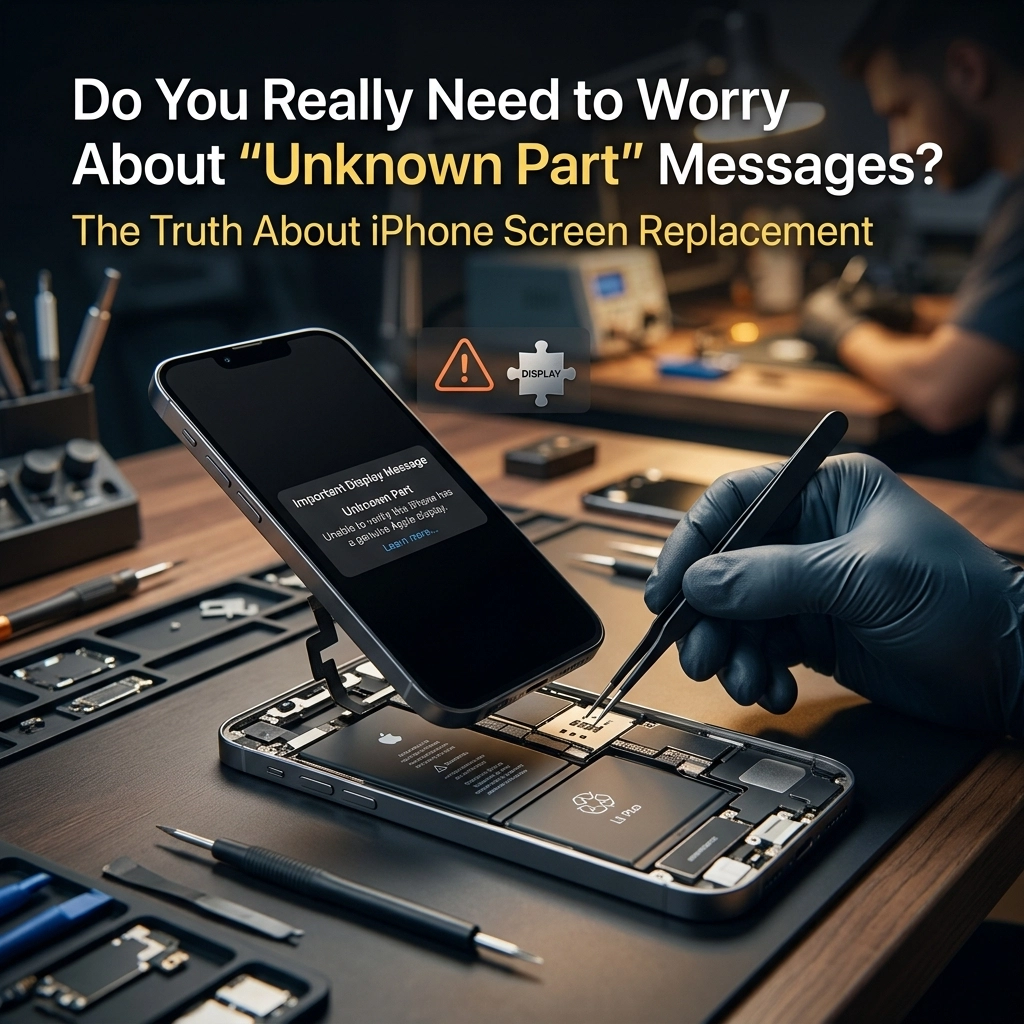
But then, you turn it on and see it. A notification pops up: “Important Display Message: Unable to determine if your iPhone display is a genuine Apple part.”
Your stomach drops. Did you get scammed? Is your phone going to explode? Is it now a high-tech brick?
Slow down, take a breath. I’m Cody, and here at Second Wind Sales and Services, we see this every single day. That “Unknown Part” message is one of the most misunderstood things in the world of iPhone screen replacement. Today, I’m going to pull back the curtain and tell you exactly what’s going on inside your phone, and why that message isn’t nearly as scary as it looks.
The Digital Fingerprint: What is “Parts Pairing”?
To understand why your phone is suddenly acting like a suspicious bouncer at a club, we have to talk about something called “parts pairing” (or serialization).
Think of your iPhone like a high-security vault. Every major component inside, the screen, the battery, the camera, has its own unique serial number. When your phone is built at the factory, the brain of the phone (the logic board) takes a roll call. It records the serial numbers of every part it’s born with.
When we perform an iPhone screen replacement, we are introducing a new “face” to the logic board. Even if we took a screen off a brand-new iPhone sitting right next to yours and swapped them, the phone would still throw that “Unknown Part” message.
Why? Because the serial numbers don’t match the original roll call. It’s like trying to get into your house with a key that fits the lock perfectly but doesn’t have the right electronic chip to deactivate the alarm. The phone knows something has changed, and its first instinct is to tell you about it.
Does “Unknown Part” Mean “Low Quality”?
This is the big myth we have to bust. An “Unknown Part” message does NOT mean the screen is bad quality.
In the tech world, we have different tiers of screens. You’ve got your budget-basement screens (which we don’t use), high-quality aftermarket screens (which are fantastic), and refurbished original screens. Unless you are at an Apple Store paying top-tier prices, almost any phone repair near me is going to result in that message on newer iPhone models (usually iPhone 11 and up).
Apple uses this message primarily to encourage people to stay within their authorized repair network. It’s a bit like a car manufacturer putting a light on your dashboard because you changed your own oil instead of going to the dealership. The oil is fine, the car is fine, but the computer is programmed to want a “certified” handshake.
Pro-tip: If your screen looks vibrant, the touch is responsive, and your brightness is working correctly, the hardware is doing its job. The message is just software politics.
The Consequences: Face ID and True Tone
While the message itself is mostly cosmetic, there are two real-world features that can be affected by a standard iPhone screen replacement if not handled by a pro:
- True Tone: This is the feature that adjusts the color temperature of your screen based on the light in the room. When you swap a screen, the data for True Tone is often lost because it’s tied to the original screen’s hardware ID.
- Face ID: On some older models, swapping the screen without moving the original sensor array would kill Face ID. On newer models, Apple has relaxed this a bit, but it’s still a delicate dance.
At Second Wind, we use specialized tools to “read” the data from your old, broken screen and “write” it onto the new one. It’s a bit like transferring your contacts from an old phone to a new one. This usually restores True Tone and keeps things running smoothly.
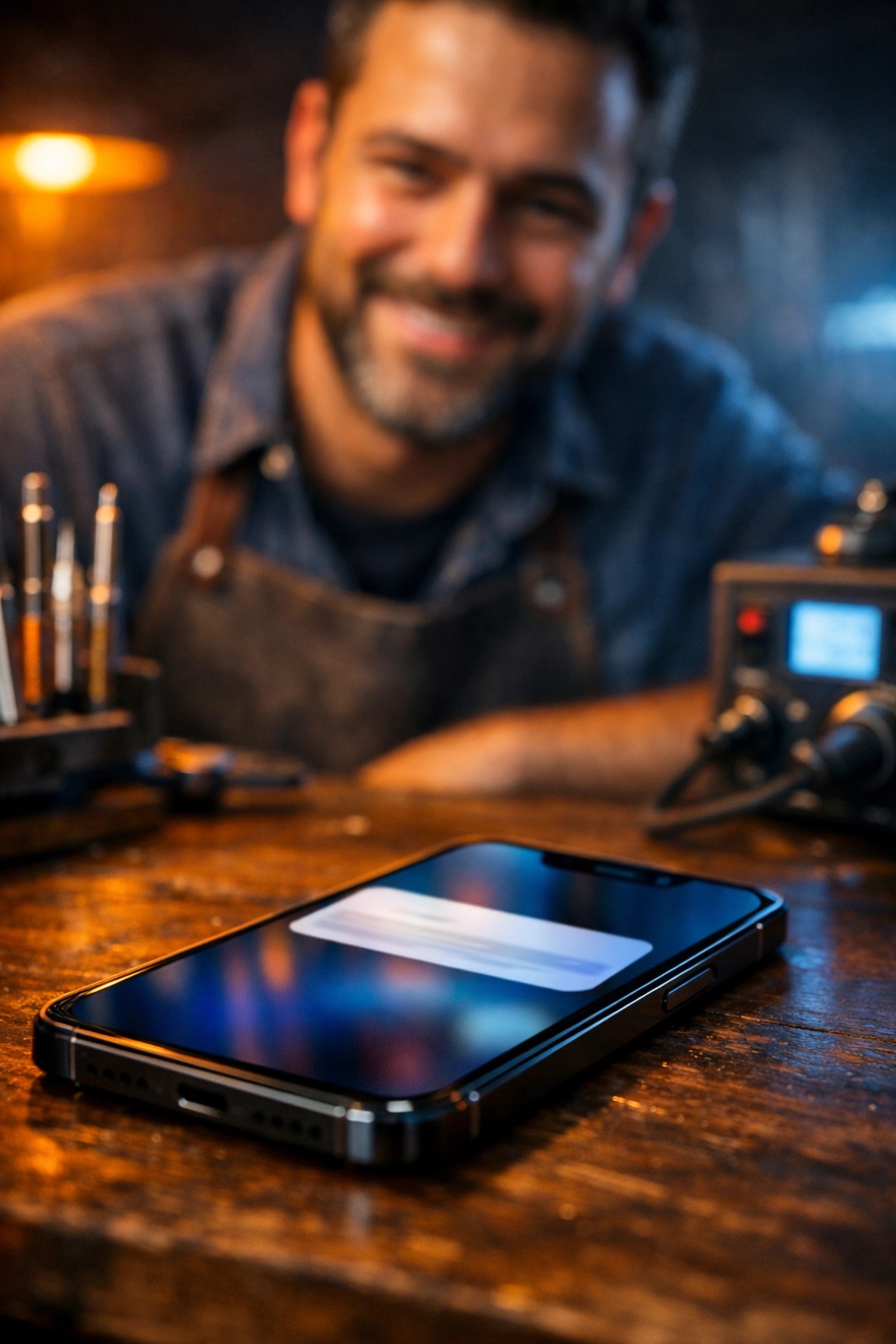
(Suggested AI Image: A close-up of an iPhone screen showing the “Important Display Message” notification, but with a friendly repair technician in the background smiling, symbolizing that it’s a manageable issue.)
How We Handle the “Unknown Part” Message (The Tech Wizard Way)
If you absolutely hate that message and want it gone, there is a “Hard Way” to do it. It involves a process called “IC Chip Transfer.”
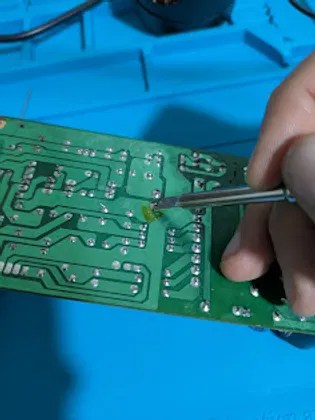
On the back of your original screen, there’s a tiny integrated circuit (IC) chip that holds the “birth certificate” of that screen. To get rid of the “Unknown Part” message entirely, a technician has to:
- Carefully de-solder the chip from your broken screen.
- Clean the microscopic pads on the chip.
- Re-solder that tiny chip onto the new screen.
This is what we call micro-soldering, and it’s about as delicate as performing heart surgery on a ladybug.

Most people decide they don’t need this extra step because it adds a lot of labor cost just to remove a notification that eventually hides itself in the settings menu anyway. But for those who want their phone to be “factory perfect,” the option is there.
Will the Message Stay Forever?
Here is the good news: Apple knows the message is annoying. On most modern versions of iOS, the “Important Display Message” will haunt your lock screen for about 4 days. After that, it moves into the “Settings” menu for about 15 days.
After those two weeks are up, the message tucks itself away deep into Settings > General > About. You won’t see it unless you go looking for it. It doesn’t slow down your phone, it doesn’t drain your battery, and it won’t stop you from getting the next iOS update.
It’s like a bruise, it looks a bit ugly for a few days, but eventually, it fades into the background and you forget it’s even there.
Why Choose Second Wind for Your iPhone Screen Replacement?
When you’re looking for phone repair near me, you want someone who is going to be straight with you. I’m not a miracle worker, but I am a straight shooter.
We don’t hide the fact that the “Unknown Part” message might pop up. In fact, we explain it before we even touch your phone. We believe in “The Easy Way”, giving you a high-quality, durable screen that works perfectly at a fraction of the Apple Store price, while being honest about how the software will react.
We treat every repair like it’s our own device. Whether it’s a laptop repair or a shattered iPhone, we use the best parts available and the right tools to ensure you aren’t losing features like True Tone.
The Bottom Line: Don’t Panic
If you see that “Unknown Part” message after a repair, don’t lose sleep over it. It’s just your phone’s way of saying, “Hey, I noticed you got me a new outfit!”
As long as you went to a reputable shop that uses quality parts, your iPhone is going to be just fine. You saved money, you kept your device out of a landfill (shoutout to our electronics recycling efforts!), and you’ve got a working phone back in your pocket.
If you’re in the Lethbridge area and your screen is looking more “mosaic” than “mobile,” come see us. We’ll get you fixed up, explain the techy bits in plain English, and make sure you’re back to scrolling and texting in no time.
Ready to get that screen fixed?
Check out our phone repair services or book your repair today. We’re here to give your tech its second wind!
Leave a Reply