
Have you ever sat down at your desk, ready to tackle the day, only to have your computer behave like it’s being possessed by a Victorian-era ghost? One minute you’re typing a polite email, and the next, your cursor is flying across the screen, windows are opening on their own, and the fans are screaming like a banshee in a Lethbridge windstorm.
It’s enough to make you want to call an exorcist. But before you go grabbing the holy water and sage, let me let you in on a little secret: your PC isn’t actually haunted. It’s just crying out for help.
At Second Wind Sales and Services, we see “haunted” hardware every single day. Usually, what looks like paranormal activity is actually just a hardware component that’s reaching the end of its life or a software glitch that’s spiraled out of control. If your tech is giving you the creeps, it’s probably time to look into professional computer repair services.
Here are five spooky signs that your computer is haunted, and what’s actually happening behind the curtain.
1. The Snail’s Pace: Painfully Slow Boot Times
We’ve all been there. You hit the power button, go to the kitchen to make a coffee, come back, and… it’s still loading. If your computer takes longer to start up than it does to drive across town during construction season, you’ve got a problem.
This is often the first “whisper” from a failing system. It starts small, a few extra seconds here and there, but soon, opening a single Chrome tab feels like trying to run through a waist-deep snowdrift.
What’s actually happening:
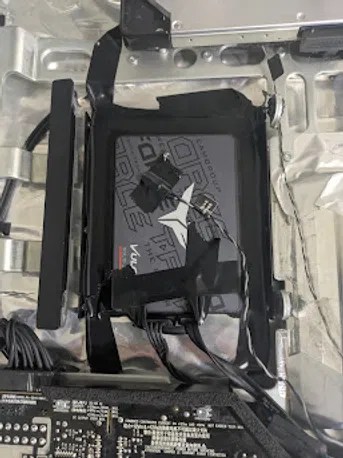
Most of the time, this “phantom slowness” is caused by a failing storage drive. Whether it’s an old-school mechanical hard drive or a modern SSD, when these parts start to wear out, they struggle to read data. Your computer is trying its best to find the files it needs to start up, but it’s running into digital “dead ends.”
10 Reasons Your Computer Is Crawling (And How to Fix It Right Now)
Pro-Tip: If your PC is more than four or five years old and still running on a mechanical hard drive, upgrading to an SSD is like giving your computer a massive shot of adrenaline. It’s the single best way to banish the “slow ghosts” for good.
The Easy Way: Bring it in for a quick diagnostic. We can check the health of your drive and see if a simple upgrade can save the day.
The Hard Way: Waiting until the drive fails completely, losing all your photos, and then realizing you haven’t backed up since 2019. (Don’t do the hard way. Check out our guide on how to back up instead!)
2. Poltergeist Activity: Random Crashes and Freezing
Nothing ruins a productive afternoon like a computer that suddenly decides to play “statue.” You’re mid-sentence, and suddenly the mouse won’t move, the keyboard is dead, and your screen is frozen in time. A few seconds later, it might just shut off entirely.
It feels like a poltergeist is flipping the power switch just to mess with you. But in reality, your computer is likely “tripping” over a serious internal error.
What’s actually happening:
Random crashes are usually the result of one of three things:
- Overheating: If your PC gets too hot, it will shut itself down to prevent the components from literally melting.
- Driver Conflicts: Think of drivers as the “translators” between your software and hardware. If the translator starts speaking gibberish, the whole system collapses.
- Failing RAM: Your computer’s short-term memory (RAM) might be getting “forgetful.” When it loses track of what it’s doing, it just gives up.
When you bring your machine in for computer repair services, we use specialized tools to “stress test” your parts. We find exactly which “ghost” is causing the freeze and show them the door.
3. The Banshee’s Cry: Strange Noises and High Heat
Computers should be seen, not heard. If yours is making clicking, grinding, or whirring sounds that could rival a rusty lawnmower, it’s time to pay attention.
Loud noises are the computer equivalent of a “check engine” light. If your fans are constantly pinned at 100%, even when you’re just looking at a blank Word doc, your PC is struggling to keep its cool.
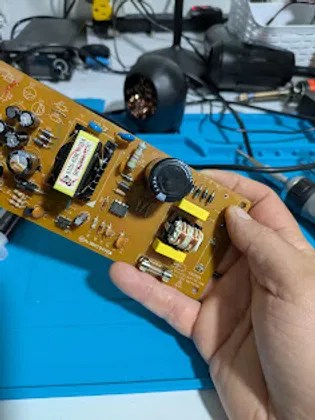
What’s actually happening:
The “banshee cry” is almost always mechanical.
- Clicking: Usually the “click of death” from a traditional hard drive. It means the mechanical arm inside the drive is failing.
- Grinding: This is usually a fan with a bad bearing or a layer of dust so thick it’s become structural.
- High Heat: Over time, the thermal paste (the “coolant” between your processor and its heatsink) dries up and turns into something resembling old drywall. When that happens, your chip can’t get rid of heat, and the fans work overtime to compensate.
I’m not a miracle worker, but a good cleaning and a fresh application of high-quality thermal paste can often make a “dead” computer feel brand new again.
4. The Blue Screen of Doom (BSOD)
Ah, the ultimate jump scare. You’re working away, and suddenly: BAM: the whole screen goes bright blue with a cryptic error message like CRITICAL_PROCESS_DIED or WHEA_UNCORRECTABLE_ERROR.
It’s the digital equivalent of a “Keep Out” sign on a haunted house. While it looks terrifying, the Blue Screen is actually a safety feature. It’s your computer’s way of saying, “I’ve detected a problem that might cause permanent damage, so I’m stopping everything right now.”
What’s actually happening:
Diagnosing a Blue Screen is a bit like detective work. We have to look at the “dump files” (the computer’s diary of the crash) to see what happened in the final seconds. Frequently, it’s a hardware component that has finally given up the ghost.

Using our high-tech electronics microscope, we can even look for tiny physical damage on the motherboard that might be causing these intermittent scares. Whether it’s a professional laptop repair or a desktop fix, we get to the root of the problem so the “blue mist” doesn’t return.
5. The Vanishing Act: Data Loss and Corrupted Files
The scariest ghost story of all is the one where your files simply disappear. You go to open a folder of family photos or a work presentation, and it’s either gone or “corrupted.”
“This file format is not supported,” the computer tells you, even though you opened it yesterday. It feels like your data is being sucked into another dimension.
What’s actually happening:
This is the final stage of hardware failure. Your storage drive is no longer able to hold onto the data you’ve given it. It’s like a bucket with a hole in the bottom: no matter how much you pour in, it’s going to leak out.
If you notice files disappearing or getting weird errors when you try to save things, stop what you are doing immediately. The more you use a failing drive, the harder it is for us to recover that data.
The Easy Way: Stop using the computer and bring it to us. We have tools to clone your data onto a healthy drive before the old one dies completely.
The Hard Way: Keeping the computer on, trying to “fix it” yourself with random software from the internet, and accidentally overwriting the very files you’re trying to save.
Why “Neighborly” Computer Repair Matters
Here at Second Wind Sales and Services, we don’t just treat your computer as a pile of parts. We know that for many of you in the Lethbridge area, your computer is your lifeline: it’s how you talk to grandkids, how you run your local business, and how you relax after a long day.
When your tech starts acting “haunted,” it’s more than just an inconvenience; it’s stressful. That’s why we focus on simple, honest communication. We aren’t going to hit you with a bunch of technobabble or try to sell you a gold-plated HDMI cable you don’t need. We’re just here to get your gear back in working order.
Whether you’re dealing with a PS5 controller drift that’s ruining your game night or a laptop that won’t hold a charge, we’ve got the tools and the “tech wizardry” to help.
Don’t Wait for a Jump Scare
Most computer problems are like a small leak in a roof: if you catch it early, it’s a cheap and easy fix. If you wait until the ceiling falls in, it’s a much bigger headache.
If your PC is showing any of these “spooky” signs, don’t let it haunt your productivity. We offer a wide range of Lethbridge electronics repair options to get you back up and running.
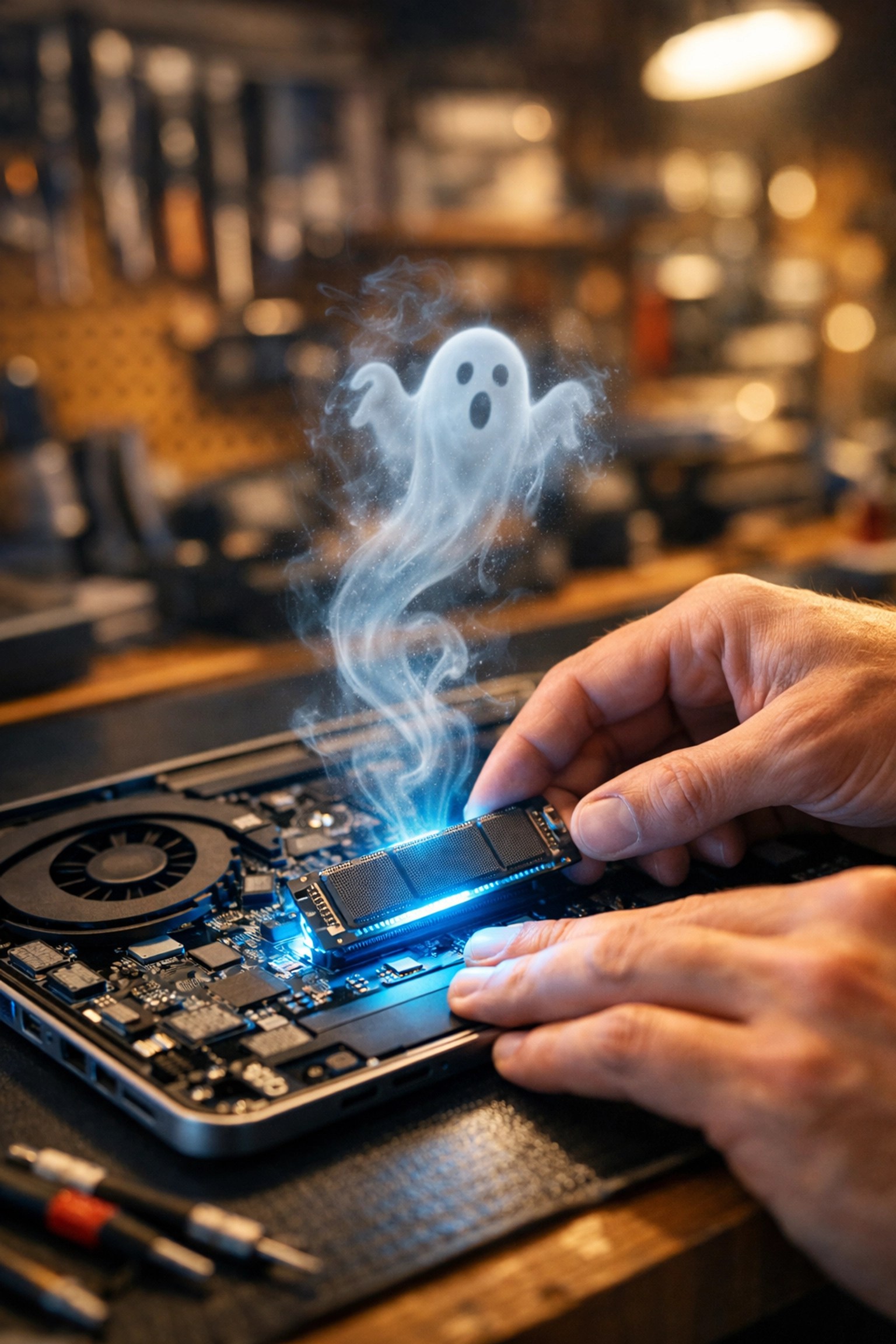
Ready to evict the ghosts from your machine?
You can book an appointment online or just drop by the shop. We’ll take a look, give you a straight answer, and help you decide the best path forward: whether that’s a repair, an upgrade, or finding something new in our shop.
Don’t let your tech give you the creeps. Let’s get your computer its “Second Wind!”
Leave a Reply