
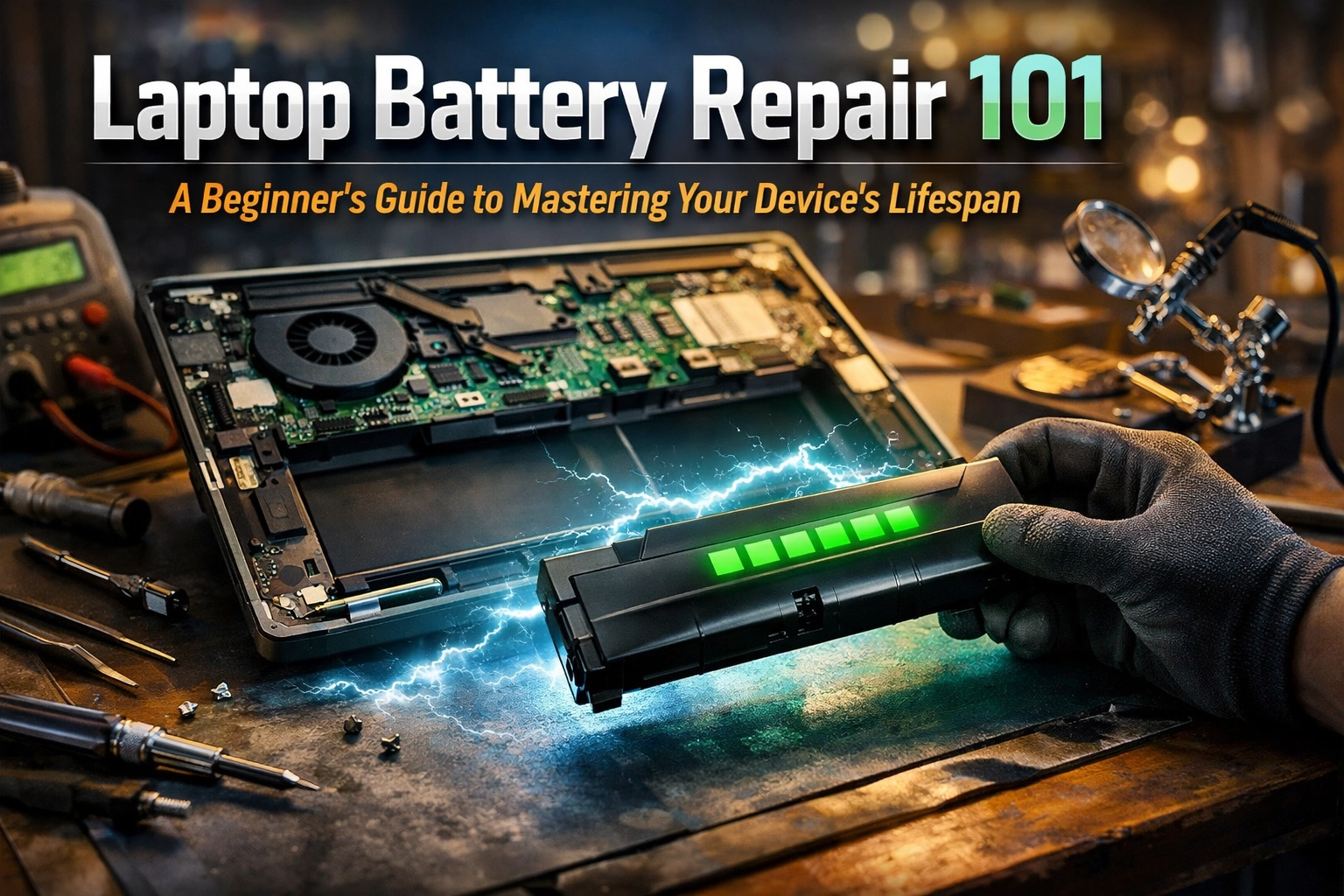
We’ve all been there. You’re sitting at your favorite coffee shop in Lethbridge, or maybe you’re hunkered down at home in Raymond trying to finish a report, and suddenly, poof. Your laptop screen goes dark. You look at the charger, realize it’s sitting on the kitchen table three rooms away, and you wonder, “Didn’t I just charge this thing an hour ago?”
The “dying battery blues” is a song we hear a lot at Second Wind Sales and Services. It’s that sinking feeling when your portable computer is no longer, well, portable. It becomes a glorified desktop tethered to a wall outlet like a dog on a short leash.
But here’s the good news: a failing battery doesn’t mean your laptop is headed for the scrap heap. In fact, laptop battery repair and replacement is one of the most satisfying ways to give your tech a “second wind.” Today, I’m going to walk you through the basics of how these batteries work, how to keep yours kicking longer, and why swapping a battery is a win for both your wallet and the planet.
Why Batteries Give Up the Ghost (The Science of Aging)
Think of your laptop battery like a brand-new set of tires on a truck heading out toward Magrath. When they’re new, they’ve got deep treads and plenty of grip. But every mile you drive wears them down just a little bit.
Inside your laptop is a Lithium-Ion (Li-ion) battery. These are amazing pieces of tech, they’re light, they hold a lot of energy, and they don’t have the “memory effect” that older batteries did. However, they are essentially a chemical sandwich. Every time you charge and discharge them (a “cycle”), the chemicals inside degrade slightly. After about 300 to 500 cycles, most batteries start to lose their stamina.
Heat: The Arch-Nemesis of Your Battery
If there is one thing I want you to remember from this guide, it’s this: Heat is the enemy.
Down here in Southern Alberta, we know all about extreme weather. Just like a Chinook can melt the snow in an afternoon, excessive heat can cook your battery’s internal chemistry. When a laptop gets too hot, whether because the fans are clogged with dust or because you’re using it on a soft blanket that blocks the vents, the battery cells expand and degrade at an accelerated rate.
Pro-Tip: Always use your laptop on a hard, flat surface. If you’re a “laptop-in-bed” person, grab a cheap lap desk. Your battery (and your lap) will thank you.
To Plug or Not to Plug?
I get asked this all the time: “Cody, should I leave my laptop plugged in 24/7?”
The short answer? No.
While modern laptops are smart enough to stop charging once they hit 100%, keeping a battery at maximum “pressure” all the time is stressful for the cells. It’s like keeping a balloon blown up to its absolute limit for weeks on end. Eventually, the rubber gets tired.
Ideally, Lithium-Ion batteries are happiest when they are between 20% and 80% charge. If you’re using your laptop as a desktop replacement, try to unplug it occasionally and let it stretch its legs down to 20% before plugging it back in.

Calibration: Teaching Your Laptop to Tell the Truth
Have you ever had your laptop say it has 15% battery left, only to have it shut down five seconds later? That’s a calibration issue. The “brain” inside the battery (called the Battery Management System or BMS) has lost track of where the actual “floor” and “ceiling” of the energy capacity are.
The Easy Way to Calibrate:
- Charge your laptop to 100% and leave it plugged in for at least two hours to let it “rest.”
- Unplug it and use it normally until it forced-restarts or shuts down due to low battery.
- Let it sit for about five hours (or overnight) while empty.
- Charge it back to 100% in one go.
This helps the software re-learn the battery’s actual capacity, giving you much more accurate “time remaining” estimates.
The “Second Wind” Philosophy: Repair vs. Replace
When a battery truly dies, you have a choice. You can go to a big-box store and drop $1,200 on a brand-new laptop, or you can spend a fraction of that on a laptop battery repair (which usually involves a professional swap).
At Second Wind Sales and Services, we’re big fans of the latter. Most laptops, even the tricky ones with glued-in batteries, are perfectly capable of running for another 3 to 5 years with a fresh power pack.
The Environmental Benefit
Tossing a whole laptop because of a bad battery is like throwing away a whole car because the battery died. It’s a massive waste. Electronics recycling is great, but reuse is even better. By replacing just the battery, you’re keeping heavy metals and plastic out of the landfill and reducing the demand for new mining operations. We’re proud to help our neighbors in Stirling and beyond keep their tech running longer and greener.
What’s Inside the Plastic Brick?
If you were to crack open a battery (please don’t do this at home: it’s a major fire hazard!), you’d see several “cells” that look like oversized AA batteries. These are wired together and connected to a small circuit board.

This circuit board is the gatekeeper. It monitors the temperature, the voltage of each cell, and the overall health. When we perform a battery swap at our shop, we aren’t just shoving a generic part in there. We’re ensuring the replacement communicates correctly with your laptop’s motherboard.
Personal Aside: I’ve seen some “bargain” batteries from certain online marketplaces that lack these safety circuits. They’re essentially spicy pillows waiting to happen. Always go with a reputable parts supplier or a local pro!
The Hard Way vs. The Easy Way
The Hard Way (DIY):
You order a battery online, find a YouTube video, and realize your laptop requires a specialized Pentalobe screwdriver you don’t own. You accidentally prying against the delicate ribbon cables, or worse, puncture the old battery casing (which smells like sweet, metallic fruit and is very toxic). You spend three hours sweating over a tiny screw that won’t come out.
The Easy Way (The Second Wind Way):
You drop your laptop off at our shop. We’re conveniently located to serve the Raymond, Magrath, Stirling, and Lethbridge areas. We use professional-grade tools, handle the delicate internal connectors with the care of a surgeon, and properly recycle your old, dangerous battery so you don’t have to worry about it sitting in your trash can.

Signs It’s Time for a Battery Swap
Not sure if your battery is actually the problem? Look for these red flags:
- The “Plugged In, Not Charging” Message: Usually a sign the BMS has detected a hardware failure.
- The Bulge: If your trackpad is popping out or your laptop case looks like it’s “pregnant,” stop using it immediately. That’s a swollen battery and it’s a fire risk.
- Rapid Percentage Drops: If you go from 80% to 40% in ten minutes, those cells are toast.
- Extreme Heat: If the bottom of the laptop is hot enough to fry an egg even when you’re just checking email.
Final Thoughts: Give Your Tech a New Lease on Life
Your laptop is one of your most important tools. It’s how you connect with family, get your work done, and maybe relax with some Xbox games at the end of the day. Don’t let a tired battery hold you back.
Mastering your device’s lifespan isn’t about being a computer genius; it’s about making smart choices: like keeping it cool, calibrating it once in a while, and knowing when to call in a professional.
If you’re in the Southern Alberta area and your laptop is acting more like a desktop these days, bring it by. We love a good challenge, and there’s nothing we enjoy more than seeing a customer walk out with a device that feels brand new again.
Ready to boost your battery? Check out our shop or drop us a line. Let’s keep that tech out of the landfill and in your hands!
Leave a Reply