
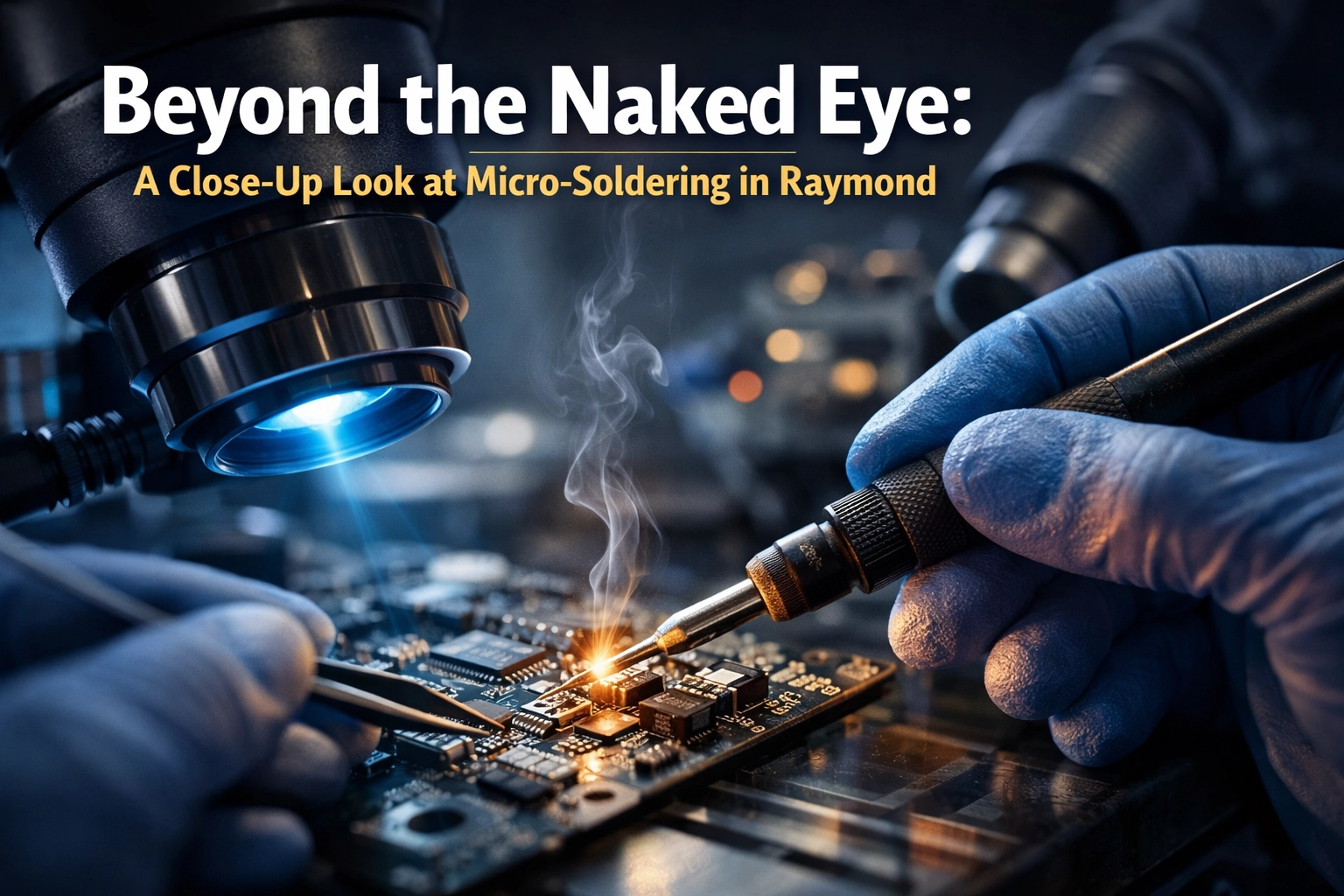
If you’ve ever swung by my basement workshop here in Raymond, you know things can get pretty crowded. Between the stacks of vintage consoles waiting for a second lease on life and the modern gaming rigs in for a tune-up, there’s always something humming. But lately, I’ve added a new “staff member” to the team, and it doesn’t drink my coffee or complain about the Southern Alberta wind. (And if you’re specifically hunting for phone repair near me, you’ll probably like this too: iPhone 16 Repair 101: Why It’s Finally Easier to Find Phone Repair Near Me.)
I’m talking about our brand-new electronics microscope.
Now, I know what you’re thinking. “Cody, it’s a microscope. You looking for germs or something?” Not exactly. In the world of tech repair, especially when we’re talking about micro-soldering repair, your eyes are usually the first thing to fail you. Components these days are getting so small that a stray sneeze could blow a resistor halfway across the room. This new scope allows me to see things at a level that’s frankly a little bit terrifying, but absolutely necessary if you want to save a device that every other shop has declared “dead.”
Why “Dead” Usually Just Means “Small”
We’ve all been there. You take your phone, your laptop, or your PS5 to a big-box store, and the guy behind the counter takes one look at it, shakes his head, and says, “Yeah, the motherboard is fried. Cheaper to buy a new one.”
In my world, those are fighting words.
Most of the time, a “fried” motherboard isn’t actually a blackened hunk of charcoal. It’s usually just one tiny, microscopic component that decided to call it quits. Maybe a capacitor gave up the ghost, or a trace on the board got scratched. Without the right gear, that board is trash. But with motherboard repair near me: specifically right here in Raymond: we can zoom in, find the culprit, and swap it out.
It’s the difference between replacing a whole car because the spark plug is dirty and just… replacing the spark plug.

The Tech Wizard’s “Micro-Surgery”
I like to call micro-soldering “micro-surgery” for electronics. When I’m hunched over the workbench, looking through the eyepieces of this new microscope, I’m not just “fixing a gadget.” I’m performing a high-stakes operation on a patient that weighs less than a bag of beef jerky.
The components we’re dealing with are often smaller than a grain of salt. If my hand shakes by even a fraction of a millimeter, I could bridge two pins and turn a simple repair into a very expensive paperweight. That’s why the magnification is so key. It turns a blurry green smudge into a clear, high-definition landscape of copper and solder.
Charging Port Reconstruction: A Common Headache
One of the most frequent “surgical” procedures I perform is charging port reconstruction. Whether it’s a Nintendo Switch that’s been handled a bit too roughly or a laptop that took a tumble while plugged in, those tiny pins inside the port are fragile.
Sometimes, the pads on the motherboard: the little copper “landing zones” where the port sits: get ripped right off. Most shops will tell you that’s the end of the line. But with the new scope and some steady hands, I can actually “bridge” those connections with wire that’s thinner than a human hair. It’s tedious, it’s nerve-wracking, and I love every second of it.
Pro-tip: If your device only charges when you hold the cable at a specific “magic” angle, stop doing that! You’re likely ripping those tiny pads off the board as we speak. Bring it in before the “magic” runs out.

Board-Level Basics: The Stuff You Can’t See (Until You Can)
Micro-soldering isn’t just “tiny solder.” It’s a whole category of repairs that usually get missed because the failure is hiding in plain sight. A few of the big ones I deal with all the time:
1) FPC Connector Replacement (the “ribbon cable” headache)
Those little flip-up connectors that hold your screen cable, charging flex, or button flex? They’re called FPC connectors, and they love to crack, lift, or lose pins after drops, liquid, or “one last DIY attempt.” Under the microscope, I can actually see the broken latch tabs, missing pads, and hairline pin damage—and then replace the connector properly instead of hoping it “catches” again.
2) Short Circuit Detection (aka: the ghost in the power rail)
Sometimes a device is “dead” because something on the board is shorted—basically like a power line getting knocked down in a Southern Alberta windstorm. I’ll track down the short, isolate the bad component, and get power flowing where it’s supposed to.
3) IC Chip Replacement (when the problem is a specific brain, not the whole body)
This is where we get into the heavy hitters: IC (Integrated Circuit) chips. These are the “brains” of your device. They handle everything from power management to touch input. When an IC fails, the device might not turn on at all, or it might behave like it’s possessed by a very confused ghost.
On phones especially, that can mean replacing problem chips like Audio Codecs (no sound, boot loops, weird call issues) or Tristar / USB charging ICs (charging problems, data issues, or that lovely “it only works on Tuesdays” behavior).
Replacing these chips can involve “reflow” or “reballing.” We use controlled heat to melt the solder under the chip, lift it off, clean the area, and set a new chip down. Under the microscope, I can see exactly when the solder turns liquid (it gets all shiny and silver) and make sure the connections land clean.
Pro-tip: If your phone only charges on one cable, in one outlet, if you whisper nice things to it… there’s a good chance the port is fine and the issue is actually on the board. Don’t wait until it goes from “moody” to “brick.”
IC Chip Replacement: The Brain Surgeon Phase
Beyond ports and connectors, we get into the heavy hitters: IC (Integrated Circuit) chips. These are the “brains” of your device. They handle everything from power management to touch screen input. When an IC chip fails, the device might not turn on at all, or it might behave like it’s possessed by a very confused ghost.
Replacing these chips requires a process called “reflow” or “reballing.” We use a heat gun to melt the solder under the chip, lift it off, clean the area, and set a new chip down. Under the microscope, I can see exactly when the solder turns liquid (it gets all shiny and silver) and ensure every single one of the dozens of tiny balls of solder under that chip makes a perfect connection.
It’s a level of precision that you just can’t get with a magnifying glass and a prayer.
Saving “Dead” Tech in Southern Alberta (Yep, More Than Just Raymond + Lethbridge)
Living in a smaller community like Raymond means we don’t always want to drive into the city only to be told our favorite gear is unfixable. I take a lot of pride in the fact that Second Wind Sales and Services can handle the stuff the “pros” won’t touch—and we don’t just serve Raymond or Lethbridge either. We regularly help folks across Southern Alberta, including Magrath and Stirling (and basically anywhere you can get to with a coffee and a decent playlist). If you’re in those areas, this post is worth a skim too: Magrath & Stirling Tech Repair: Why You Don’t Need to Drive to the City.
Whether it’s a professional laptop repair or a phone repair where the data is more important than the hardware, having this microscope means I can offer a level of service that’s hard to find in this corner of the province. It’s about more than just fixing things; it’s about making sure your memories, your work, and your sanity (if it’s a kid’s iPad) are preserved.
“Board-Only” / “Device-Only” Mail-In (For Other Repair Shops, Too)
This is one I don’t talk about enough: we also offer B2B mail-in micro-soldering for other repair shops. If you’re a shop that doesn’t want to invest in board-level tools (or you’ve got a tricky one that’s eating your bench time), you can send us:
- Board-Only (just the logic board / motherboard)
- Device-Only (send the whole phone/console/laptop so I can verify the symptom before/after)
Common B2B requests we specialize in:
- FPC Connector Replacement
- Short Circuit Detection
- IC Chip Replacement (including chips like Audio Codecs or Tristar / USB charging ICs)
If that’s you, reach out through the site and we’ll get you sorted on the details and next steps.
The Basement Sanctuary Crew
Also—quick shoutout to the “Basement Sanctuary” team that keeps this whole operation from turning into absolute chaos. If you’ve called or popped in, you’ve probably talked to Rachel at reception, and if something’s getting lined up behind the scenes, Eva’s coordination is usually the reason it doesn’t fall through the cracks. Family-run vibes, real people, and yes… we still get excited when something comes back from the dead.
Sonny’s Sneak Peeks
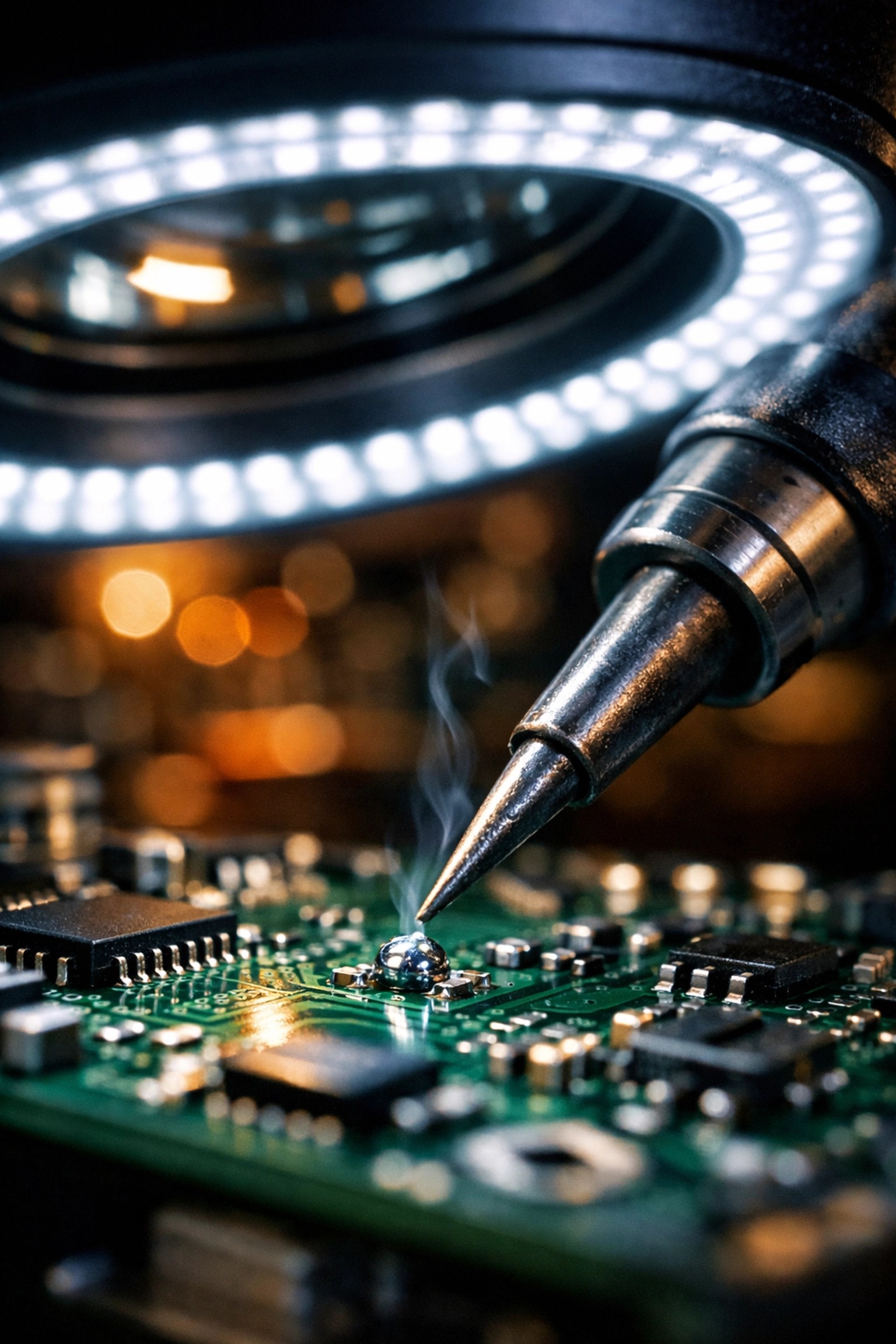
I’ve been having a blast with the camera attachment on this new scope. I’ve already handed a bunch of high-magnification photos over to Sonny, our Social Media Manager. If you want to see what a “blown” capacitor actually looks like up close: or see the “before and after” of a motherboard that had a run-in with a cup of coffee: keep an eye on our social feeds.
Sonny is going to be posting some of these shots soon, and I promise you, they look like something out of a sci-fi movie. It’s amazing how much detail is packed into the devices we carry in our pockets every day.
The “Hard Way” vs. The “Easy Way”
When it comes to tech, there’s always two ways to do things. (And if you’re on the fence because you hate tossing electronics that might still be salvageable, you’ll like this read: Does Electronic Waste Disposal Really Matter in 2026?.)
The Hard Way: You try to fix it yourself with a $15 soldering iron from the hardware store and a YouTube video. You end up melting the plastic casing, burning your thumb, and accidentally soldering your HDMI port to your power button. (Trust me, I’ve seen it happen).
The Easy Way: You bring it to the basement. I pop it under the microscope, give you a straight answer on whether it can be saved, and get to work with professional-grade tools.
If you’re worried about the cost, don’t be. We’re pretty transparent about our tech repair liability and our terms of service. We want you to feel as comfortable leaving your tech with us as you would leaving your lawnmower with a neighbor.
Ready to Go Under the Scope?
If you’ve got a device that’s acting up, don’t toss it in the bin just yet. Whether it’s a PS5 controller with drift or a MacBook that won’t charge, give us a shout.
You can check out our full list of services or go ahead and head to our booking page to set up a time to drop off your gear. We’re located right here in Raymond, serving the whole Lethbridge electronics repair area.
I might not be a miracle worker, but with this new microscope, I’m getting pretty darn close. Let’s see if we can give your tech its “second wind.”
Stay techy, Southern Alberta!
( Cody)
Leave a Reply