
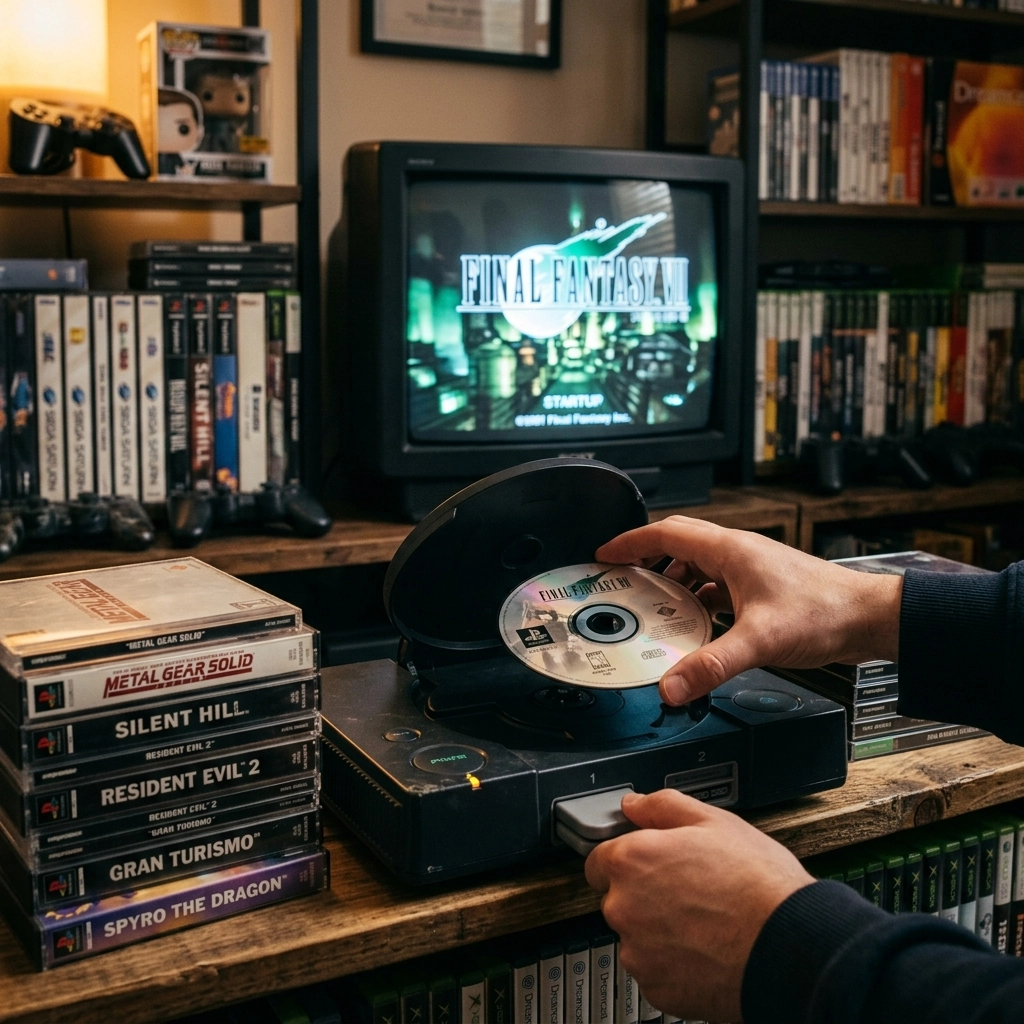
There is a specific sound that anyone who grew up in the 90s or early 2000s knows by heart. It’s that soft whirrr-chk-chk-whirrr of a console trying to find its footing. Whether it was the ethereal chime of the original PlayStation or the dramatic “whoosh” of the Xbox 360, that sound meant one thing: adventure was loading.
But lately, for a lot of us, that sound has been replaced by a much more sinister one. A rhythmic clicking. A desperate, high-pitched spin. And then, the screen of death: “Disc Read Error” or “Please Insert a PlayStation Format Disc.”
If you’re staring at your old console and thinking about hitting the eject button for the last time, hold your horses. At Second Wind Sales and Services, we hate seeing a good piece of history gather dust, or worse, head to the landfill. Your disc-based classics are worth saving, and most of the time, they can be saved.
Let’s talk about why these systems fail and how we can get them spinning again.
The Laser’s “Lethbridge Lung”: Why Southern Alberta is Hard on Consoles
Living in Southern Alberta is great, but let’s be real: we have a dust problem. Between the Chinook winds and the surrounding farm fields, there is a fine layer of prairie silt on pretty much everything we own.
Inside your game console, there is a tiny, incredibly precise optical assembly. Think of it like a high-tech eye. This “eye” (the laser lens) has to focus a beam of light onto a track on the disc that is microscopic. If a single speck of Lethbridge dust settles on that lens, it’s like trying to read a book while wearing sunglasses covered in mud.
Pro-Tip: If you live in a particularly windy part of town, consider keeping your consoles inside a closed cabinet when they aren’t in use. It sounds overkill, but your laser will thank you.
When the laser can’t see the data, the console tries harder. It moves the assembly back and forth (that’s the clicking sound) and spins the disc faster. This doesn’t just fail to load the game; it wears out the motors and the laser diode itself.
The Anatomy of a Failing Drive
To fix a problem, we have to understand the three main points of failure in a disc drive:
- The Optical Lens: As mentioned, this gets dirty. It can also get “cloudy” over time due to smoke, cooking grease in the air, or even just age.
- The Laser Diode: This is the light source. Like a lightbulb, it has a finite lifespan. Eventually, it dims. When it gets too dim, it can’t “burn” through the plastic layer of the disc to read the data.
- The Mechanical Rails and Motors: The laser assembly moves on metal rails. If the factory grease turns into a sticky sludge (which happens after 20 years), the laser gets stuck. If the motor that spins the disc gets tired, it won’t hit the RPMs needed to boot the game.
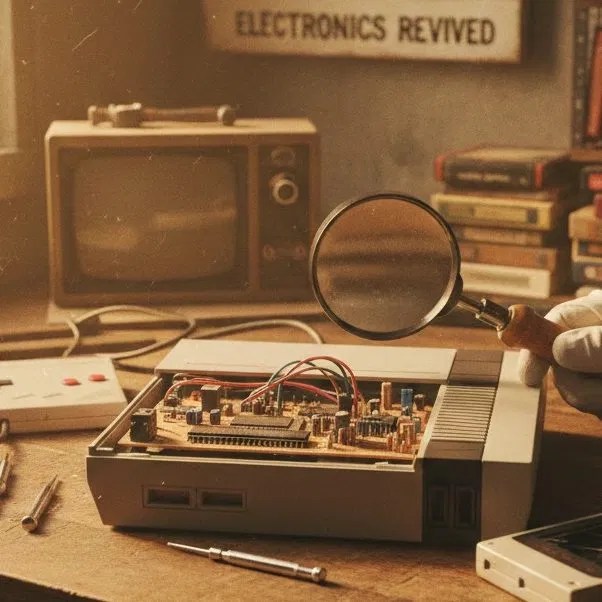
The Easy Way: Basic Maintenance at Home
Before you bring it into the shop, there are a couple of “Easy Way” things you can try.
1. The Proper Clean
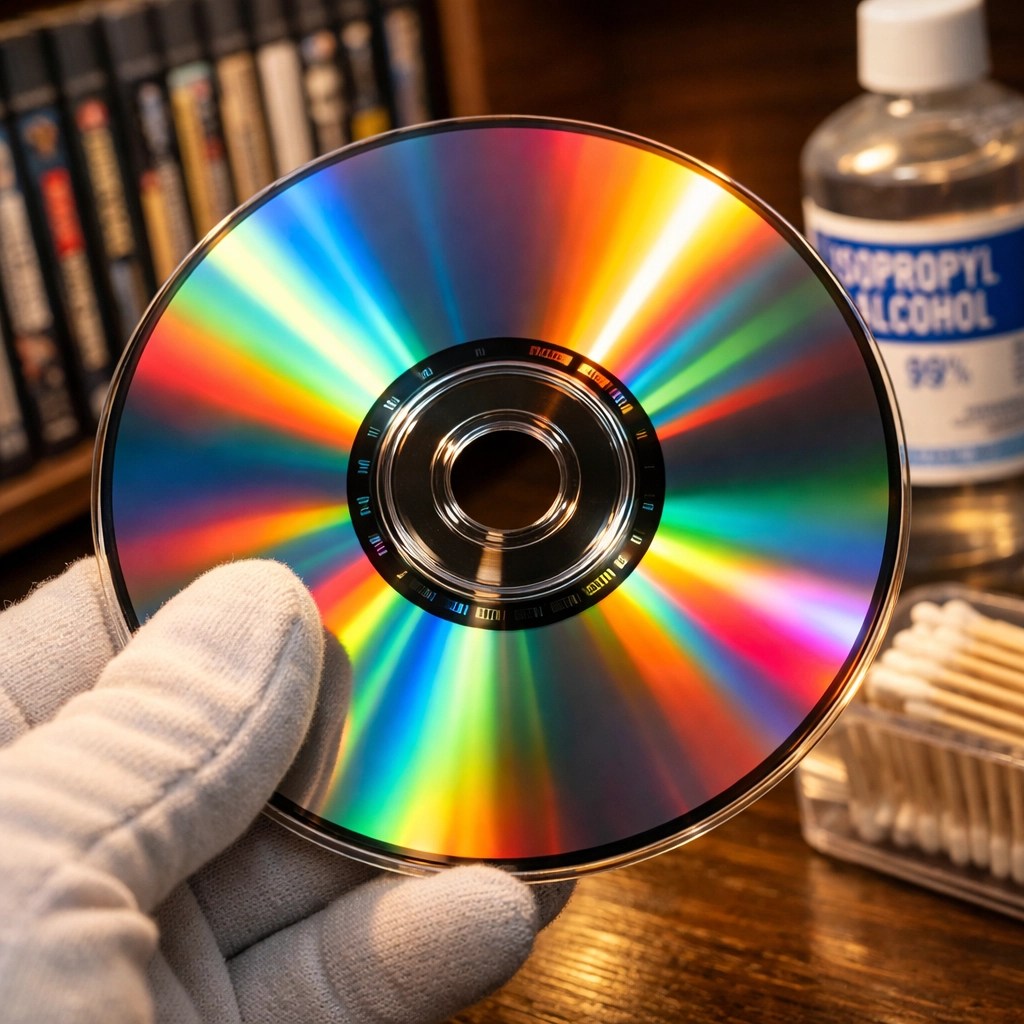
Forget those “lens cleaning discs” with the tiny brushes on them. In our experience, those usually just kick the dust around or, worse, scratch the lens. The best way to clean a lens is with 90% (or higher) Isopropyl Alcohol and a very high-quality cotton swab.
- The Method: Lightly dampen the swab (don’t soak it), and very gently, I mean microscope-surgery gentle, wipe the lens in a circular motion. Use the dry end to buff it clear.
- The Result: This fixes about 40% of disc read errors instantly.
2. Vertical vs. Horizontal Storage
Our research shows that how you store your games matters as much as how you store your console.
- Store discs vertically: Stacking them horizontally in a pile can lead to “disc rot” if moisture gets trapped, or it can crack the cases.
- The “Disc Sag”: In some older consoles (looking at you, early PS1 models), the plastic parts of the drive would actually warp over time if left in one position. Sometimes, flipping a PS1 upside down actually helped it read discs. It sounds like crazy talk, but it was a real “fix” back in the day!
The Hard Way: When Maintenance Isn’t Enough
If cleaning the lens didn’t work, we’re moving into “Hard Way” territory. This is where we start opening things up and looking at the “guts.”
Recalibrating the Laser (Pot Tweaking)
On the back of most laser assemblies, there is a tiny screw called a potentiometer (or “pot”). This screw controls the amount of electricity going to the laser diode.
As a laser ages and gets weaker, you can sometimes “turn up the volume” by adjusting this screw. It’s a delicate balance. Turn it too little, and nothing happens. Turn it too much, and you “toast” the laser, killing it instantly.
We use specialized equipment to measure the resistance (Ohms) to make sure we stay within the safe factory specs. It’s a bit like tuning a vintage carburetor; you have to have a feel for it.
Replacing the Optical Block
Sometimes, the laser is just dead. Kaput. In the modern era, we are lucky because we can often find high-quality replacement parts for even the most obscure systems. Whether it’s a Sega Saturn or a Dreamcast, we can swap out the entire optical block. This gives the console a “second wind” and ensures it’ll be playable for another decade or two.
Beyond the Disc: The Rise of Optical Drive Emulators (ODE)
Let’s be honest: physical discs are a fragile technology. They scratch, they rot, and the drives that read them are full of moving parts that eventually break.
If you love the original hardware but are tired of fighting with disc read errors, there is a “Tech Wizard” solution: the Optical Drive Emulator.
An ODE replaces the physical disc drive with an SD card reader. You still play on your original console, using your original controllers, plugged into your TV. But instead of inserting a disc, you load your games from a menu. It’s the ultimate way to preserve a system when the original drive parts are no longer available. If you’re interested in this, contact us to see if your system is compatible.

Why Save the Classics?
You might ask, “Cody, why bother? I can just emulate these games on my laptop.”
Sure, you can. But it’s not the same. There’s something about the tactile feel of the controller, the specific way the graphics look on an old-school screen, and yes, even the sound of that disc spinning up. It’s about preserving a moment in time.
At Second Wind Sales and Services, we treat these old systems with the same respect we give a high-end gaming PC. We use tools like our new electronics microscope to look for cracked solder joints or leaking capacitors that might be causing power issues to your drive.

Wrapping it Up: Keep the Spindle Spinning
If your favorite childhood console is currently acting as a very expensive paperweight, don’t give up on it. Most “dead” consoles are just “sleepy” consoles that need a bit of professional TLC.
Whether it’s a PS2 that won’t read DVDs, an Xbox that won’t open its tray, or a GameCube that can’t find its way home, we’re here to help. We’re local, we’re geeks, and we love a good challenge.
Drop by the shop or book an appointment online. Let’s get those classics back in the game!
P.S. If you’re bringing in a console for a disc drive issue, please bring a disc that you know is in good condition. It helps us rule out the “scratched disc” variable right away!
Leave a Reply