

It’s 2026, and buying a laptop hasn’t actually gotten easier. If anything, it’s gotten weirder. We’ve got “AI PCs,” neural processing units, screens that fold in three directions, and battery life claims that sound more like science fiction than reality.
Walking into a big-box retailer today feels a lot like driving through a Southern Alberta chinook, it’s high-pressure, a bit chaotic, and you’re never quite sure if the ground is going to stay solid under your feet. You just want something to check your emails, maybe do some banking, or let the kids finish a school project. But somehow, you find yourself standing in front of a $2,500 “Titanium Edition” machine while a salesperson explains why you “absolutely need” a dedicated graphics card to run Google Chrome.
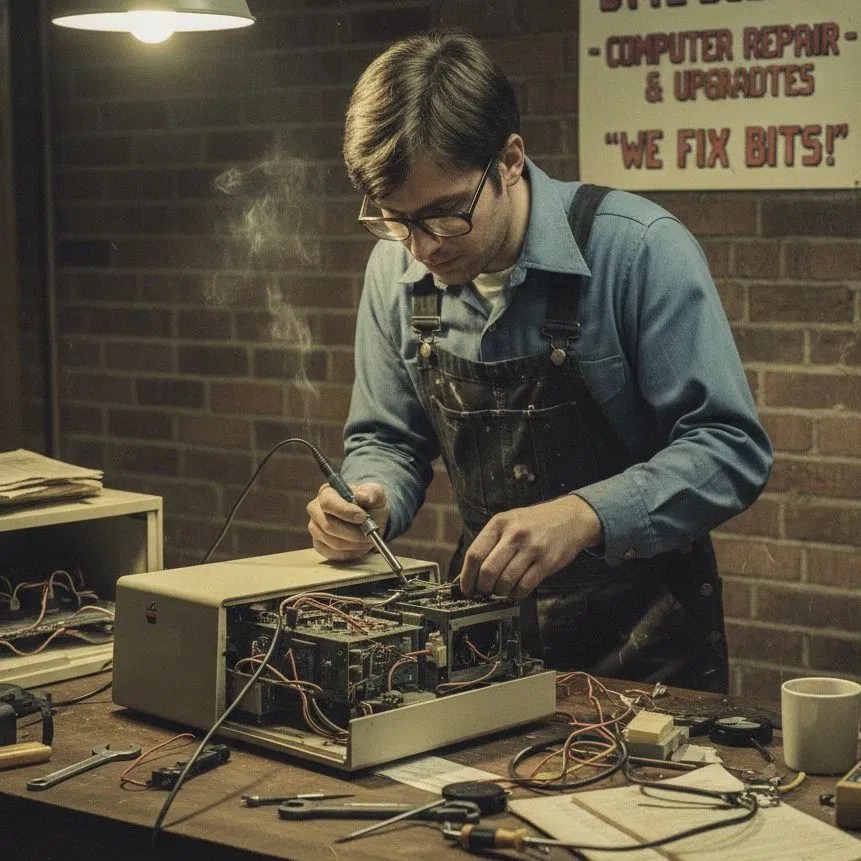
I’m Cody, and at Second Wind Sales and Services, I’ve spent years looking under the hoods of these machines. I’ve seen what lasts, what breaks, and what is just plain marketing fluff. I wanted to write this because I’m tired of seeing neighbors overpay for tech they don’t need, or worse, buy a “bargain” that stops working by Christmas.
This isn’t a sales pitch. I’m not here to tell you what we have in stock or what we can fix. I just want to give you the insider’s guide so that the next time you’re standing in an electronics aisle, you feel like the smartest person in the room.
The Big-Box Reality Check
First, let’s be fair: the folks working at the big retailers aren’t bad people. Most of them are just doing their jobs. But their jobs usually come with quotas, “protection plan” targets, and a scripted list of features they’re told to highlight. They’re trained to sell you the newest thing, not necessarily the right thing.
In our corner of the world, whether you’re in Lethbridge, Magrath, or Raymond, we value a straight answer. When you buy a laptop, you’re buying a tool. You wouldn’t buy a semi-truck just to pick up groceries, and you wouldn’t use a toy hammer to build a deck. Tech is the same.

The “Big Three” Specs (The 2026 Edition)
If you ignore everything else, just look at these three things. This is where most people get tripped up.
1. RAM: Your Digital Workbench
Think of RAM (Random Access Memory) as your workbench. If you’re trying to build a birdhouse, you only need a small bench. But if you’re trying to layout a full set of blueprints, check your mail, and listen to the radio all at once, you need a bigger surface.
In 2026, 16GB of RAM is the new bare minimum.
A few years ago, we could get away with 8GB. But today’s websites and operating systems are “heavy.” If a salesperson tries to tell you that 8GB is plenty for “basic use,” they are setting you up for a computer that will feel sluggish in twelve months. If you can find a machine with 32GB within your budget, grab it, but for 90% of us, 16GB is the sweet spot.
2. The Processor: The “Brain”
This is the Intel Core, AMD Ryzen, or Apple M-Series chip. In 2026, everyone is talking about “NPU” (Neural Processing Units) for AI.
Pro-tip: Unless you are a professional video editor or a high-end coder, you don’t need to spend an extra $400 just for an “AI-enhanced” chip.
A standard Intel i5 or Ryzen 5 from the last two years is more than enough for everyday life. Don’t let the shiny stickers convince you that your laptop needs to be “smarter” than you are.
3. Storage: Your Digital Closet
This is where your photos, documents, and programs live.
- 256GB: Too small. You’ll be deleting photos by next summer.
- 512GB: The “just right” for most people.
- 1TB: Great if you keep every video and photo you’ve ever taken on the device.
Always make sure it is an SSD (Solid State Drive). In 2026, almost everything is, but occasionally a “budget” laptop will sneak in slower storage. If you see the words “eMMC,” put it back on the shelf. It’s the digital equivalent of a clogged kitchen sink.
Understanding the “AI PC” Hype
You’re going to see “AI” on every box this year. It’s the buzzword of the decade. They’ll tell you the laptop can write your emails, organize your life, and maybe even make your coffee.
Here’s the truth: Most of those AI features actually happen in “the cloud” (on a server somewhere else), not on your actual laptop. You don’t need a specialized, expensive “AI Laptop” to use ChatGPT or Microsoft Copilot. If you have a decent internet connection and a solid mid-range processor, you’re already “AI-ready.” Don’t pay the “AI tax” unless you have a very specific reason to do so.
Build Quality vs. Shiny Features
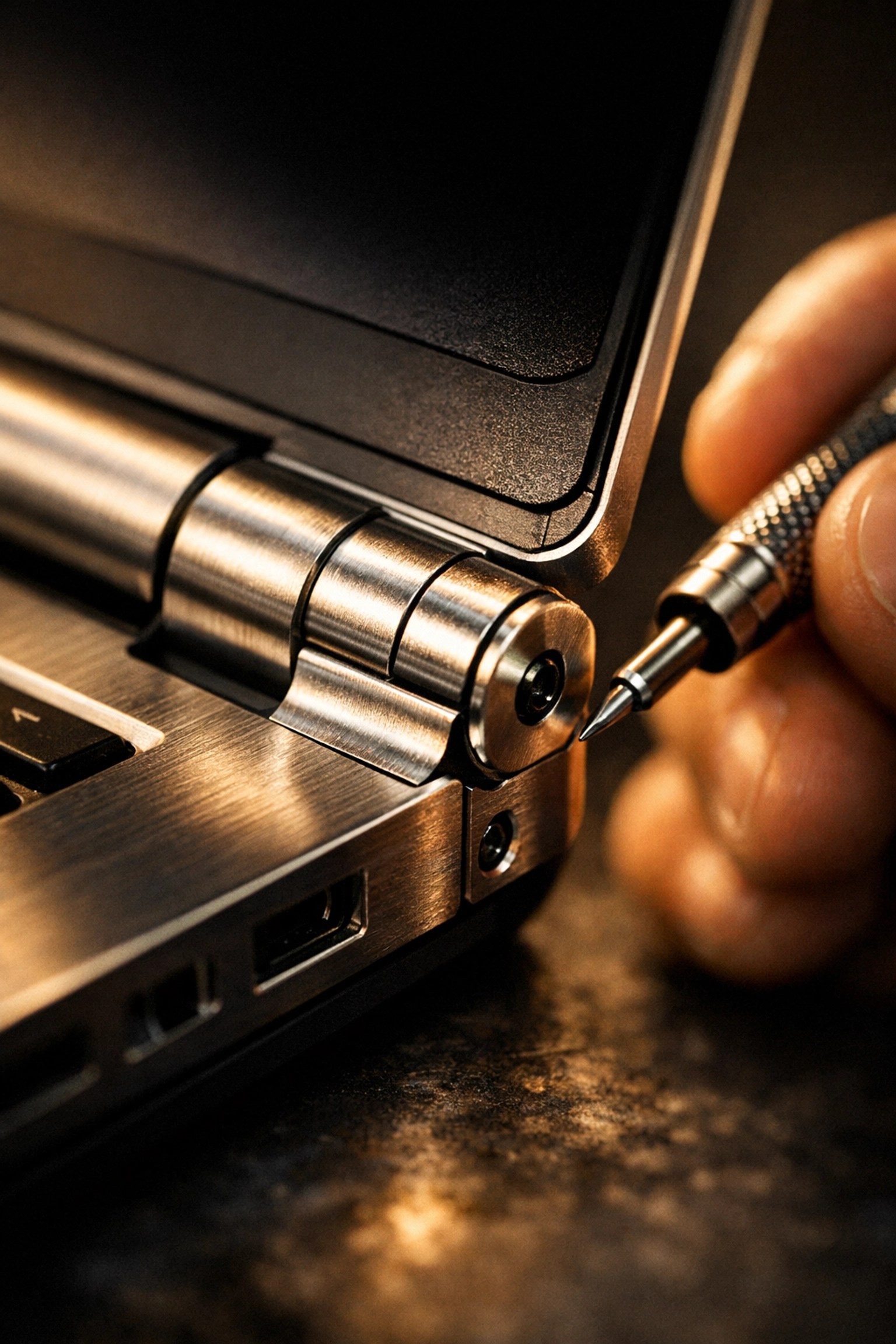
I often tell people to look at the hinges. It sounds boring, right? But the hinges are usually the first thing to snap on a “cheap” big-box laptop.
Open and close the display a few times in the store. Does it feel flimsy? Does the plastic creak? If it feels like a toy, it will eventually break like a toy. Sometimes, a slightly older model with a metal chassis (the outer shell) is a much better investment than a brand-new model made of thin, flexible plastic.
The “Easy Way” vs. “The Hard Way”
- The Hard Way: Spending three days watching YouTube reviews, getting overwhelmed by technical jargon, walking into a store, getting talked into a $1,200 laptop you don’t need, plus a $200 antivirus subscription and a $150 carrying case.
- The Easy Way: Decide what you actually do on a computer. Is it just Netflix and Facebook? Is it heavy Excel work? Is it gaming? Once you know that, you can ignore 90% of the display tags in the store.
If you want to read more about keeping your current gear running so you don’t have to buy a new one, you can check out our blog for some maintenance tips. But if the time has come to upgrade, I want you to go in prepared.
A Different Kind of Conversation
At Second Wind Sales and Services, we operate a bit differently. We live in this community. We see you at the grocery store and the post office. Because of that, I’m not interested in “selling” you on anything.
I’ve had plenty of folks come in just to ask, “Hey Cody, is this a good deal?” and I’ll tell them straight up, sometimes it is, and sometimes I tell them to run the other way. I’d rather you have a computer that works for you than have you frustrated with a piece of junk.
Buying technology should feel like an upgrade to your life, not a chore or a source of anxiety. It’s about getting back to the things that matter, connecting with family, getting your work done, or finally finishing that digital photo album.
Your “Friend in the Tech Business” (Seriously)
Here is the deal. I want to offer you a completely free, no-strings-attached consultation. No, you don’t have to come into the shop and sit in a waiting room. We’re making this as easy as possible for our Southern Alberta neighbors.
Here is how I can help you, totally free:
- The “Before You Go” Chat: Give us a call or send a DM. Tell us what you’re planning to use the laptop for. We’ll give you a “Spec Sheet” to take with you. It’ll say exactly how much RAM, Storage, and which Processor you should look for. No jargon, just a shopping list.
- The “Is This A Good Deal?” Text: This is my favorite. If you are standing in a store in Lethbridge right now, looking at a price tag and wondering if the salesperson is giving you a straight story, text us a photo of the spec tag.
Seriously. Shoot us a text or a Facebook message with a picture of the laptop you’re looking at. We will give you a “thumbs up” or “thumbs down” in real-time. No pressure to buy anything from us, no sales pitch for a repair: just an honest second opinion from someone who isn’t working on commission.
Think of us like that one friend who knows a lot about cars that you call before you buy a used truck. We’re just the “computer version” of that friend.
Whether you prefer to contact us via our website, send a text, or hop on a quick phone call, we’re here to help you navigate the noise.
You don’t have to do this alone, and you definitely don’t have to overpay. Let’s make sure your next tech purchase is one you’re actually happy with.
Reach out anytime: even if you’re standing in the checkout line right now!
Leave a Reply