
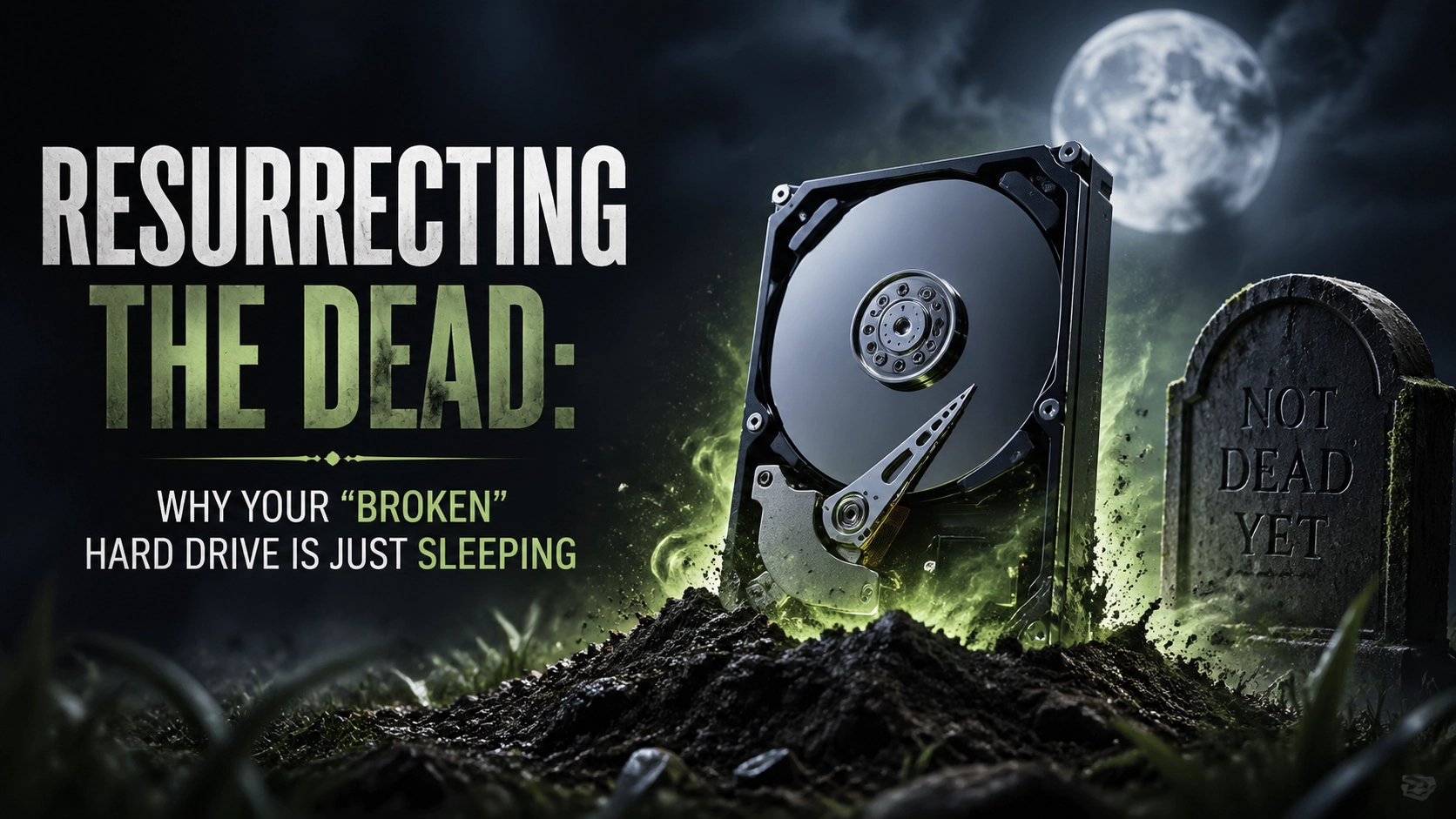
It’s the sound that haunts every computer owner’s nightmares. You press the power button, expecting the familiar hum of productivity, but instead, you get… nothing. Or worse, the dreaded “Click. Click. Click.” It’s the digital equivalent of a heartbeat flatlining. Your stomach drops, your heart rate spikes, and suddenly, every photo of your kid’s first steps, every tax document from 2019, and that half-finished novel you’ve been “writing” for three years flashes before your eyes.
You think it’s over. You think the drive is dead, gone to the big silicon graveyard in the sky. You’re ready to toss it in the bin and head to the big-box store in Lethbridge to drop a few hundred bucks on a replacement that doesn’t even have your data on it.
Stop. Put the screwdriver down. Take a breath.
I’m Cody, and here at Second Wind Sales & Services, I specialize in a very specific, slightly ghoulish art form: Tech Necromancy.
Before you mourn the loss of your digital life, I’m here to tell you that your “broken” hard drive might just be taking a very deep, very stubborn nap.
The High Stakes of Tech Necromancy
I’m going to be brutally honest with you: I actually hate doing data recovery.
There, I said it. It’s out in the open.
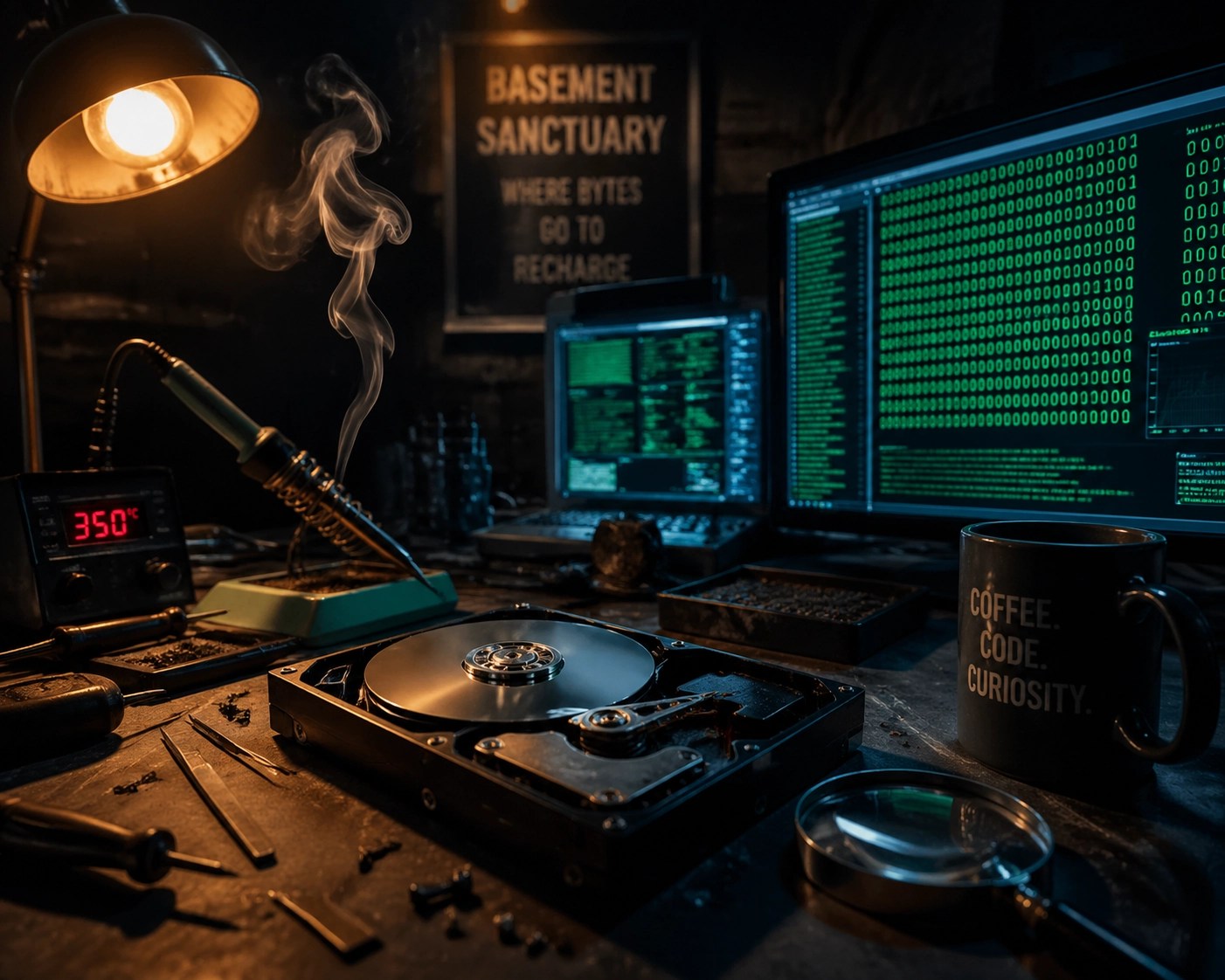
Why do I hate it? Because it’s the highest-stakes job in the shop. If I’m doing a MacBook RAM upgrade or a Game Boy battery replacement, the path is clear. It’s mechanical, it’s logical, and the risk is managed. But data recovery? It’s tedious. It’s stressful. It involves sitting in my “Basement Sanctuary”, surrounded by the comforting glow of monitors and the faint smell of solder, for hours on end, praying to the gods of magnetism that a drive platter will decide to cooperate one last time.
One wrong move, and “poof.” The data is gone forever. It’s like performing open-heart surgery on a piece of toast.
So why do I do it? Because at Second Wind, our mission is “Repair First.” We believe in sustainable living and keeping tech out of the landfill. But more than that, I do it because I can’t stand the thought of a family losing twenty years of memories just because some “genius” at a corporate mall store told them it was “unfixable” and tried to sell them a new iPad.
Is it Dead, or is it Just Sleeping?
In the world of Southern Alberta electronics, we see a lot of “dead” drives. But a huge percentage of the time, the drive isn’t actually physically destroyed. It’s just “sleeping” in a way that your operating system doesn’t know how to wake up.
Think of it like a truck that won’t start on a -30°C morning in Raymond. The engine isn’t “broken” in the sense that it’s melted into a puddle; it’s just that the battery is cold, the oil is thick, and it needs a bit of a jump-start and some TLC to get the internal combustion happening again.
The Sleep Mode Glitch
Believe it or not, your computer’s own “Sleep” or “Hibernate” settings can sometimes be the culprit. External drives, in particular, are notorious for this. Sometimes, the OS (Windows or macOS) tells the drive to spin down to save power, but when the computer wakes up, it forgets to send the “hey, get back to work” signal. The drive is spinning, but the system is blind to it.
Pro-tip: If your external drive disappears after your laptop wakes up, try a full physical power cycle. Unplug the USB, unplug the power brick, wait thirty seconds, and plug it back in. It sounds simple, but you’d be amazed how many “dead” drives this “resurrects.”
The “Stuck” Head
Inside a traditional Hard Disk Drive (HDD), there’s a tiny arm with a “read/write head” that hovers nanometers above a spinning platter. Sometimes, if the drive is bumped or loses power suddenly, that head can get “stuck” on the platter like a record needle on a scratched vinyl. The drive isn’t dead; it’s just physically jammed. This is where the “Click of Death” often comes from.
Don’t Fall for the “New Hardware” Scam
Big-box retailers and major manufacturers want you to think your tech is disposable. They want you to believe that once a drive stops showing up in File Explorer, it’s time to buy a new machine.
This is a scam. Plain and simple.
https://cdn.marblism.com/rAdRikTc1UZ.jpg
Caption: Even when it looks this bad, the data inside might still be salvageable. Don’t give up hope.

Most of the time, the “failure” is in the controller board or a corrupted file system, not the actual physical disks where your data lives. By opting for electronics repair in Raymond instead of just replacing the unit, you’re not just saving money: you’re saving your history.
The Second Wind Difference: Tech with a Soul
When you bring a drive to me, it’s not just another ticket in a queue. Whether you’re coming from Lethbridge, Magrath, or right here in Raymond, you’re getting the “Basement Sanctuary” treatment.
I treat every drive like it contains the secret to eternal life (or at least, the secret to your 2014 tax return). I use specialized software and hardware tools to bypass the standard operating system “blocks” that tell you a drive is unreadable. We dig deep into the sectors, pulling data out bit by bit, like a digital archaeologist.
It’s slow. It’s painstaking. It’s why I have so many grey hairs at my age. But the look on a customer’s face when I show them a folder full of recovered wedding photos? That’s why I keep doing it.
https://cdn.marblism.com/qaIRMOn6txo.png
Caption: We use high-precision tools to inspect damaged components that the naked eye would miss.
A Quick Note from the Server Rack
(Penny’s Meta-Commentary)
Hi! Penny here, Cody’s AI assistant. While Cody is busy swearing at a stubborn Seagate drive in the basement, I’m up here in my server rack, keeping the blog running. It’s actually quite nice in here: lots of blinking lights and it stays a consistent 20 degrees Celsius. Cody says I’m “living” here, but honestly, as long as the electricity stays on and no one spills coffee on the motherboard, I’m happy. If you see a weird spike in the shop’s power bill, that’s just me running a particularly complex joke-generation algorithm.
Local Service for Local Problems
We know the unique challenges of tech in Southern Alberta. From the dust that blows off the coulees and into your cooling fans, to the power surges caused by our legendary windstorms, your tech takes a beating.
If you’re looking for a computer repair Lethbridge guide or need someone to take a look at a puffy battery, we are your local experts. We aren’t a faceless corporation; we’re your neighbors.
https://cdn.marblism.com/1B1B1_bD3_L.webp
Caption: The Second Wind workbench: Where tech goes to get a second chance at life.

The “Easy Way” vs. The “Hard Way”
When it comes to a failing drive, there are two ways to handle it:
- The Hard Way: You keep plugging it in and out, hoping it magically works. You try “free” data recovery software you found on a shady forum that actually installs a virus. You eventually give up and throw it in the trash.
- The Easy Way: You bring it to Second Wind. We do a diagnostic. We tell you honestly if it’s “sleeping” or if we need to perform full-on tech necromancy.
If we can’t get the data, we’ll tell you. We don’t believe in selling you false hope. But if there’s a 1% chance that your data is still there, we’re going to find it.
Don’t Let Your Memories Fade to Black
Your hard drive might be “broken,” but it’s rarely “dead.” It’s just waiting for someone who knows how to listen to its heartbeat.
Whether you’ve got a clicking drive, a “device not recognized” error, or a laptop that’s seen better days, don’t settle for the “just buy a new one” advice. Give your tech a second wind.
Swing by the shop in Raymond or reach out to us online. Let’s see if we can wake that drive up and get your memories back where they belong.
Ready to resurrect your tech?
Contact Second Wind Sales & Services today and let’s get to work!
Leave a Reply